
Bubble 翻訳プラグイン
Integrating ConveyThis into your site is fast and easy, and Bubble is no exception. In just a few minutes you’ll learn just how to install ConveyThis to Bubble and start giving it the multilingual functionality you need.
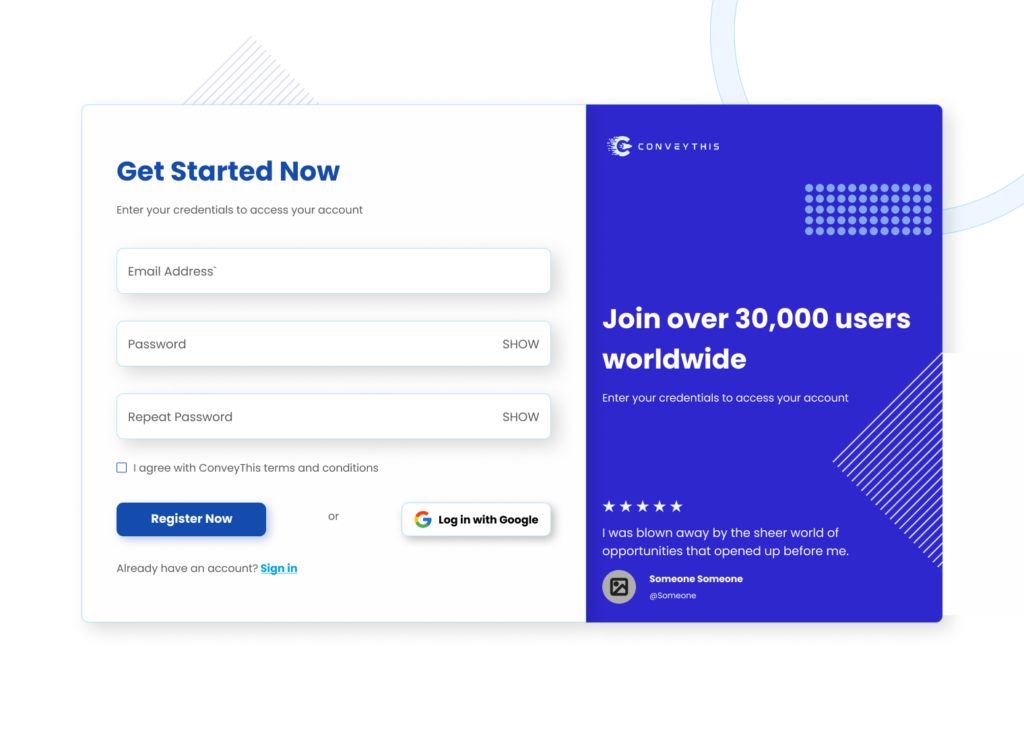
1) ConveyThis アカウントを作成する
まず、ConveyThis アカウント ダッシュボードを使用すると、すべての翻訳を表示および管理できます。ConveyThis アカウントを作成するだけです ここ.
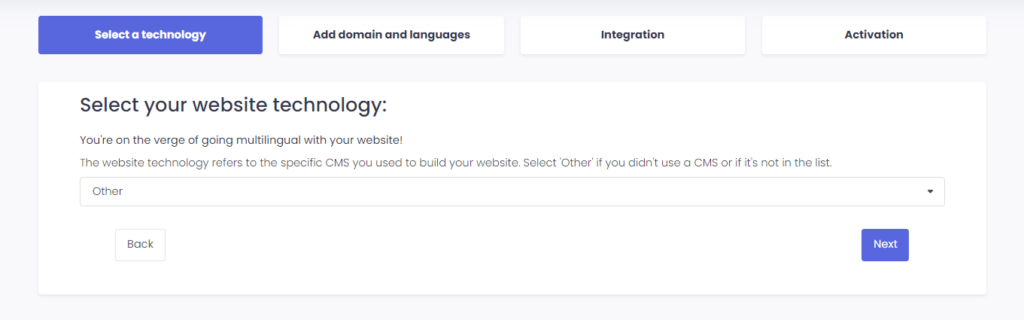
2) ConveyThis 経由でプラグインを選択します
The website technology refers to the specific CMS you used to build your website, in this instance it’s Bubble.
“次へ”をクリックして次のステップに進みます。
“次へ” をクリックした後、ドメイン名を入力し、Web サイトを翻訳する言語を示します。
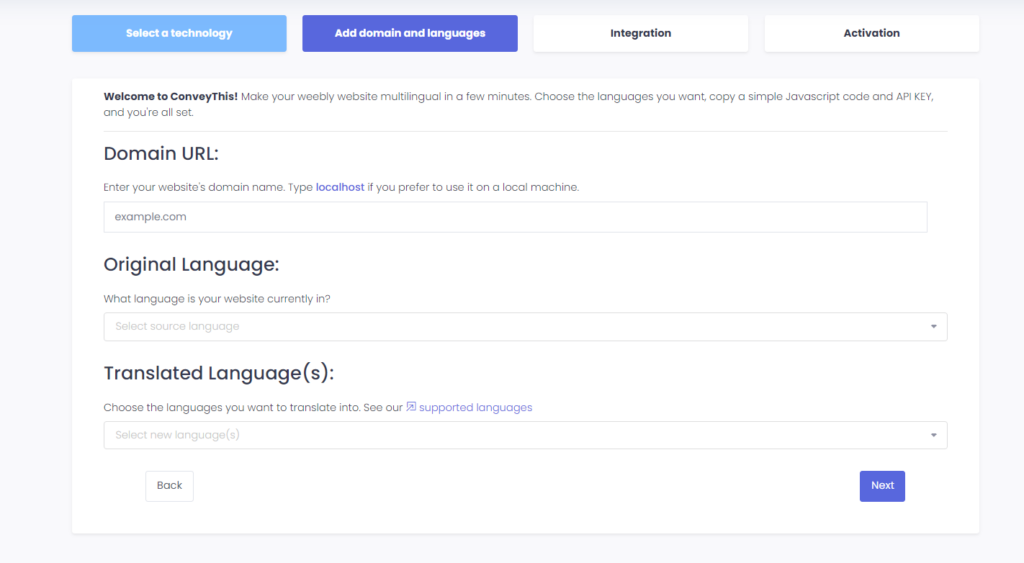
“次へ”をクリックして次のステップに進みます。
3) ConveyThisプラグインをインストールする
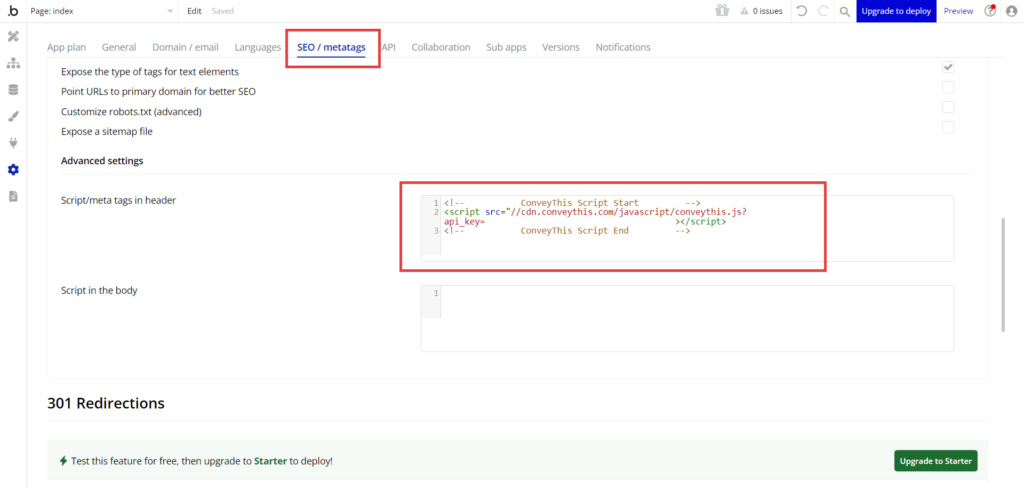
Log in to Bubble Dashboard and navigate to Settings > SEO / metatags. Paste JavaScript code from ConveyThis to the Script/meta tags in header field.
4) すべて完了しました!
それじゃ。Web サイトに移動すると、右下にある言語切り替えボタンが表示されます。表示されるまでに数分かかる場合がありますので、少し待たなければならない場合でも心配しないでください。
言語スイッチャーが表示されたら言語を変更してみてください–そして、魔法のように、あなたのウェブサイトは多言語です!これで、ConveyThis ダッシュボードに移動して、すべての翻訳を管理できるようになりました。
おめでとうございます。これでウェブサイトの翻訳を開始できます!