パスワードをリセットまたは変更するにはどうすればよいですか?
ConveyThis パスワードを忘れた場合はリセットするか、現在のパスワードがわかっている場合はプロフィールから変更できます。
忘れたパスワードをリセットするにはどうすればよいですか?
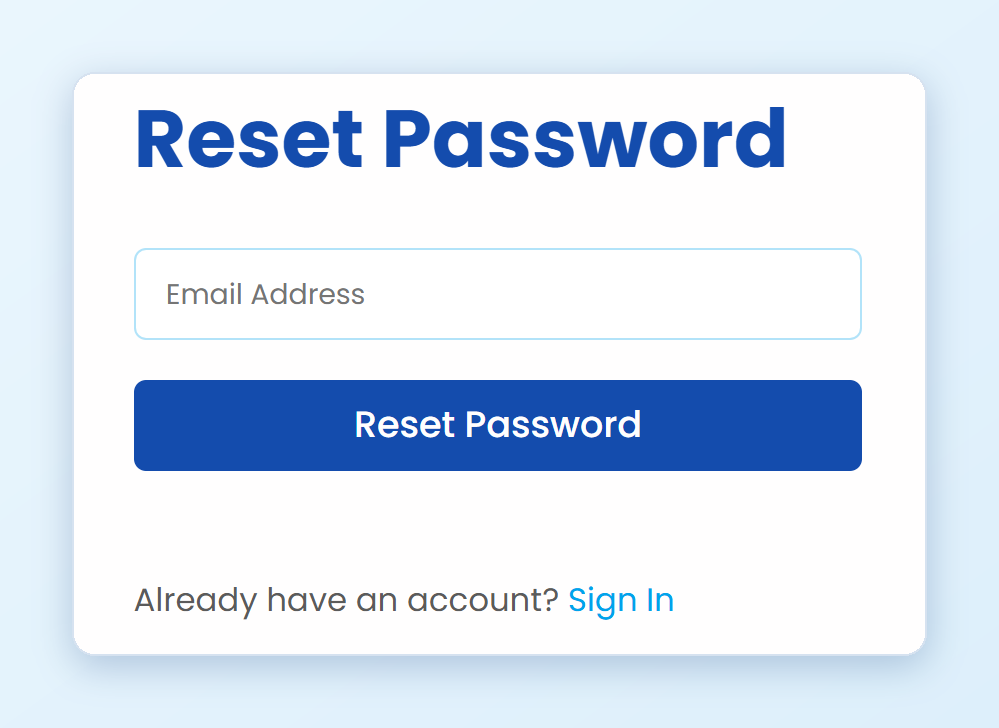
次を開きます: ConveyThis ログインページ そしてクリックします パスワードを忘れましたか? を開くこともできます パスワードページをリセット 直接。
アカウントのメールアドレスを入力してクリックします パスワードをリセット.
ConveyThis からメールを開き、その中のリンクをクリックします。リンクは機能します 1時間.
新しいパスワードを2 回入力してクリックします パスワードをリセット.
新しいパスワードでサインインできるようになりました。
メールが数分以内に届かない場合は、スパム フォルダーを確認し、サインアップしたアドレスを入力していることを確認してください。
ログインできず、サインアップするとメールが既に登録されていると言われます
新しいアカウントを作成しようとすると、次のようになります そのメールアドレスはすでに登録されています、 あなたはすでにそのメールを持つ ConveyThis アカウントを持っています。新しいものを作成しないでください。あなたのウェブサイトと翻訳は既存のアカウントにあります。
戻るには:
- サインアップフォームの下で、をクリックします サインイン.
- ログインページで、をクリックします パスワードを忘れましたか?
- の手順に従ってください 忘れたパスワードをリセットするにはどうすればよいですか? 上記。
Google にサインアップした場合は、パスワードなしでログイン ページの Google ボタンでサインインすることもできます。
Googleに登録しました。パスワードはありますか?
いいえ。Google にサインアップした場合、アカウントにはまだ ConveyThis パスワードがありません。Google ボタンでサインインするか、パスワードを作成します パスワードを忘れましたか? ログインページでは上記のように。
まだアカウントに入れません
に書く [電子メールが保護されました] サインアップした電子メール アドレスから、ログインしようとすると何が起こるかを教えてください。戻るお手伝いをいたします。
パスワードを変更するにはどうすればよいですか?
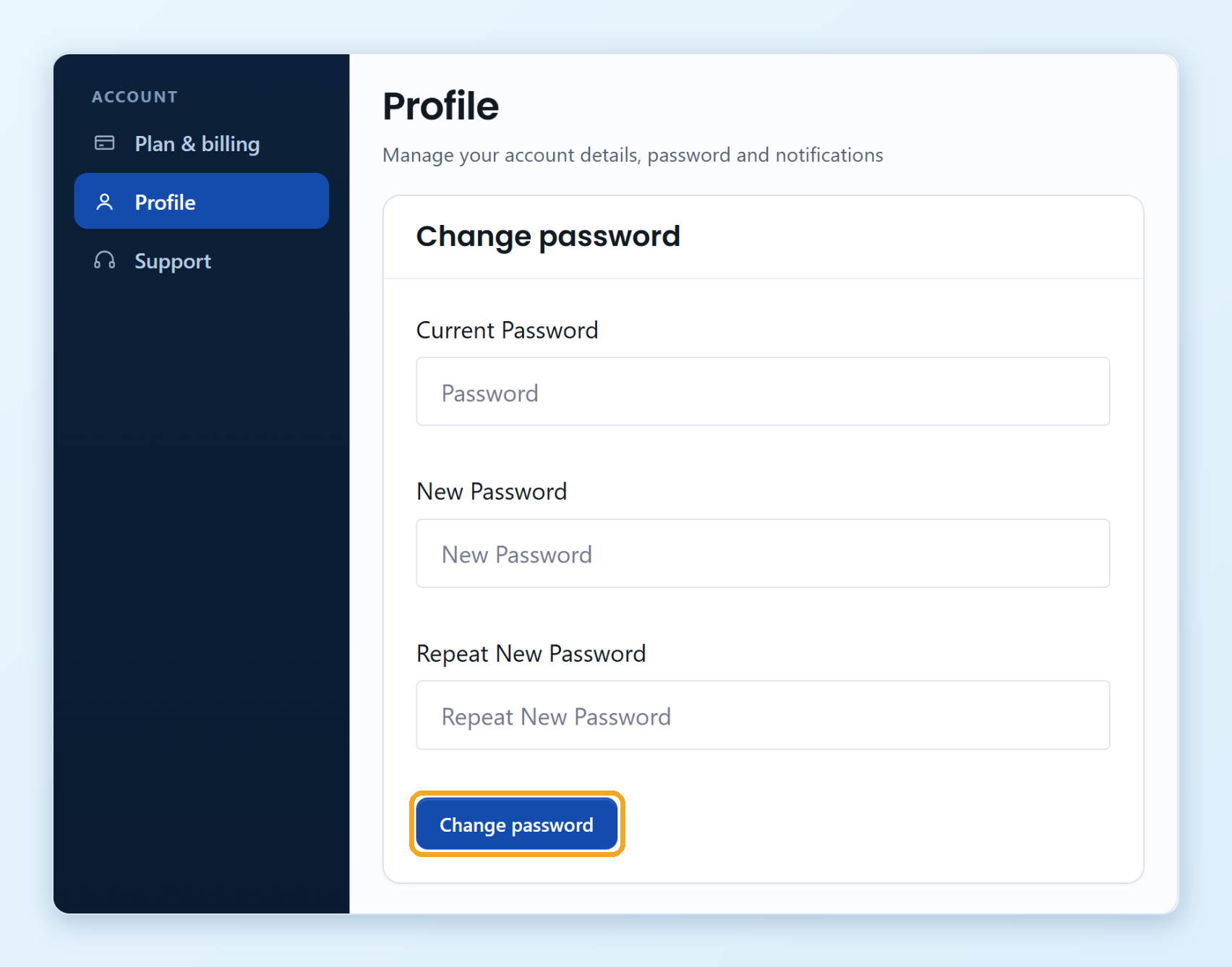
- あなたにログインします ConveyThis ダッシュボード そしてクリックします プロフィール 左メニューに。
- 下 パスワードを変更、 を入力します 現在のパスワード、 次に新しいパスワードを入力します 新しいパスワード と 新しいパスワードを繰り返します.
- 次をクリックします: パスワードを変更.