How do I reset or change my password?
You can reset your ConveyThis password if you forgot it, or change it from your Profile when you know the current one.
How do I reset a forgotten password?
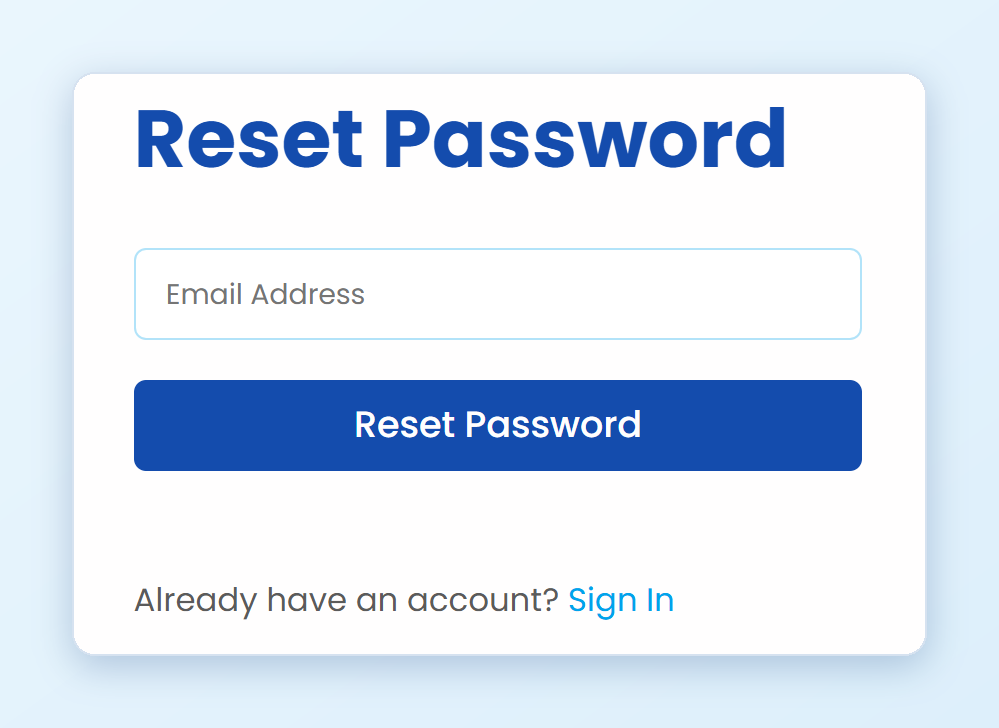
Open the ConveyThis login page and click Forgot Password? You can also open the Reset Password page directly.
Enter the email address of your account and click Reset Password.
Open the email from ConveyThis and click the link in it. The link works for 1 hour.
Enter your new password twice and click Reset Password.
You can now sign in with the new password.
If the email doesn’t arrive within a few minutes, check your spam folder, and make sure you entered the address you signed up with.
I can’t log in, and signing up says my email is already registered
If you try to create a new account and see That email address is already registered, you already have a ConveyThis account with that email. Don’t create a new one. Your websites and translations are in the existing account.
To get back in:
- Under the sign-up form, click Sign In.
- On the login page, click Forgot Password?
- Follow the steps in How do I reset a forgotten password? above.
If you signed up with Google, you can also sign in with the Google button on the login page, without a password.
I signed up with Google. Do I have a password?
No. If you signed up with Google, your account has no ConveyThis password yet. Sign in with the Google button, or create a password with Forgot Password? on the login page as described above.
I still can’t get into my account
Write to [email protected] from the email address you signed up with, and tell us what happens when you try to log in. We’ll help you get back in.
How do I change my password?
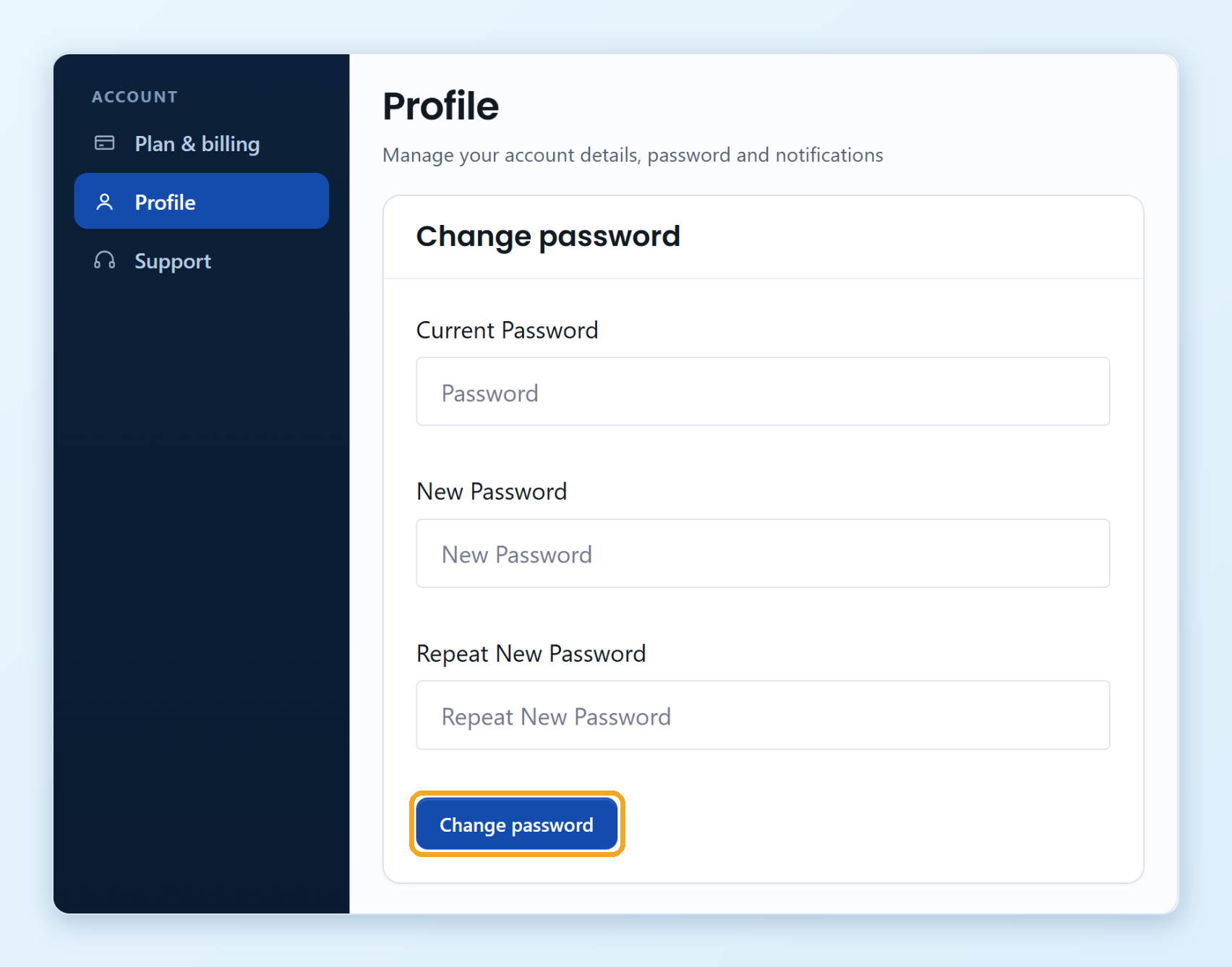
- Log in to your ConveyThis dashboard and click Profile in the left menu.
- Under Change password, enter your Current Password, then your new password in New Password and Repeat New Password.
- Click Change password.