
Shopify Traduire l'intégration de paiement
Aucune carte bancaire requise
Sans engagement













;fill-opacity:1;'%20d='M%2019.511719%2039.964844%20C%208.304688%2039.964844%200%2031.289062%200%2020.324219%20L%200%2020.230469%20C%200%209.363281%208.160156%200.46875%2019.847656%200.46875%20C%2027.023438%200.46875%2031.320312%202.878906%2034.847656%206.375%20L%2029.519531%2012.492188%20C%2026.59375%209.820312%2023.59375%208.179688%2019.800781%208.179688%20C%2013.390625%208.179688%208.761719%2013.53125%208.761719%2020.085938%20L%208.761719%2020.203125%20C%208.761719%2026.757812%2013.273438%2032.203125%2019.800781%2032.203125%20C%2024.144531%2032.203125%2026.808594%2030.46875%2029.808594%2027.722656%20L%2035.136719%2033.121094%20C%2031.199219%2037.335938%2026.855469%2039.964844%2019.511719%2039.964844%20'/%3e%3cpath%20style='%20stroke:none;fill-rule:nonzero;fill:rgb(26.274511%25,42.352942%25,94.901961%25);fill-opacity:1;'%20d='M%2035.878906%200.0351562%20L%2044.136719%200.0351562%20L%2044.136719%2039.867188%20L%2035.878906%2039.867188%20Z%20M%2035.878906%200.0351562%20'/%3e%3cpath%20style='%20stroke:none;fill-rule:nonzero;fill:rgb(26.274511%25,42.352942%25,94.901961%25);fill-opacity:1;'%20d='M%2059.472656%2016.15625%20C%2056.039062%2016.15625%2053.808594%2018.613281%2053.160156%2022.375%20L%2065.617188%2022.375%20C%2065.113281%2018.664062%2062.953125%2016.15625%2059.472656%2016.15625%20M%2073.535156%2027.578125%20L%2053.28125%2027.578125%20C%2054.097656%2031.335938%2056.710938%2033.3125%2060.40625%2033.3125%20C%2063.191406%2033.3125%2065.183594%2032.445312%2067.464844%2030.300781%20L%2072.191406%2034.492188%20C%2069.480469%2037.867188%2065.566406%2039.941406%2060.289062%2039.941406%20C%2051.527344%2039.941406%2045.070312%2033.769531%2045.070312%2024.832031%20L%2045.070312%2024.710938%20C%2045.070312%2016.347656%2051%209.480469%2059.472656%209.480469%20C%2069.191406%209.480469%2073.65625%2017.074219%2073.65625%2025.363281%20L%2073.65625%2025.457031%20C%2073.65625%2026.300781%2073.609375%2026.808594%2073.535156%2027.578125%20'/%3e%3cpath%20style='%20stroke:none;fill-rule:nonzero;fill:rgb(26.274511%25,42.352942%25,94.901961%25);fill-opacity:1;'%20d='M%2089.375%2039.796875%20L%2081.863281%2039.796875%20L%2070.390625%2010.324219%20L%2079.152344%2010.324219%20L%2085.679688%2029.914062%20L%2092.257812%2010.324219%20L%20100.847656%2010.324219%20Z%20M%2089.375%2039.796875%20'/%3e%3cpath%20style='%20stroke:none;fill-rule:nonzero;fill:rgb(26.274511%25,42.352942%25,94.901961%25);fill-opacity:1;'%20d='M%20111.550781%2016.15625%20C%20108.121094%2016.15625%20105.886719%2018.613281%20105.238281%2022.375%20L%20117.695312%2022.375%20C%20117.191406%2018.664062%20115.03125%2016.15625%20111.550781%2016.15625%20M%20125.617188%2027.578125%20L%20105.359375%2027.578125%20C%20106.175781%2031.335938%20108.792969%2033.3125%20112.488281%2033.3125%20C%20115.246094%2033.3125%20117.265625%2032.445312%20119.542969%2030.300781%20L%20124.273438%2034.492188%20C%20121.558594%2037.867188%20117.648438%2039.941406%20112.367188%2039.941406%20C%20103.609375%2039.941406%2097.152344%2033.769531%2097.152344%2024.832031%20L%2097.152344%2024.710938%20C%2097.152344%2016.347656%20103.078125%209.480469%20111.550781%209.480469%20C%20121.273438%209.480469%20125.734375%2017.074219%20125.734375%2025.363281%20L%20125.734375%2025.457031%20C%20125.734375%2026.300781%20125.6875%2026.808594%20125.617188%2027.578125%20'/%3e%3cpath%20style='%20stroke:none;fill-rule:nonzero;fill:rgb(26.274511%25,42.352942%25,94.901961%25);fill-opacity:1;'%20d='M%20143.566406%2018.757812%20C%20138.070312%2018.757812%20134.710938%2022.085938%20134.710938%2029.074219%20L%20134.710938%2039.867188%20L%20126.457031%2039.867188%20L%20126.457031%2010.613281%20L%20134.710938%2010.613281%20L%20134.710938%2016.519531%20C%20136.390625%2012.46875%20139.128906%209.867188%20144%2010.085938%20L%20144%2018.757812%20Z%20M%20143.566406%2018.757812%20'/%3e%3c/g%3e%3c/svg%3e)




;fill-opacity:1;'%20d='M%20144.558594%2039.894531%20L%20155.4375%209.839844%20C%20155.4375%209.839844%20147.28125%209.839844%20139.121094%2011.515625%20L%20128.867188%2039.894531%20Z%20M%20142.675781%201.78125%20L%20140.585938%207.539062%20C%20148.738281%205.863281%20156.902344%205.863281%20156.902344%205.863281%20L%20158.992188%200.105469%20C%20158.992188%200.105469%20150.832031%200.105469%20142.675781%201.78125%20M%2085.980469%2032.773438%20C%2090.898438%2033.71875%2095.914062%2034.136719%20101.039062%2034.136719%20C%20106.375%2034.136719%20110.140625%2032.984375%20110.554688%2029.320312%20C%20110.765625%2027.640625%20109.089844%2026.382812%20106.167969%2024.707031%20C%20102.816406%2022.824219%2099.894531%2021.878906%2096.960938%2019.886719%20C%2094.03125%2017.898438%2092.78125%2014.859375%2093.71875%2011.507812%20C%2094.871094%207.636719%2097.585938%205.4375%20101.664062%203.34375%20C%20106.480469%200.9375%20110.242188%20-0.0078125%20119.550781%20-0.0078125%20C%20125.40625%20-0.0078125%20131.054688%200.515625%20136.597656%201.667969%20L%20134.609375%207.113281%20C%20129.691406%206.167969%20124.675781%205.75%20119.550781%205.75%20C%20114.214844%205.75%20110.453125%206.90625%20110.035156%2010.570312%20C%20109.828125%2012.246094%20111.5%2013.503906%20114.425781%2015.179688%20C%20117.773438%2017.066406%20120.695312%2018.011719%20123.628906%2020%20C%20126.558594%2021.988281%20127.808594%2025.027344%20126.871094%2028.378906%20C%20125.71875%2032.253906%20123.003906%2034.449219%20118.925781%2036.542969%20C%20114.113281%2038.949219%20110.347656%2039.894531%20101.039062%2039.894531%20C%2095.183594%2039.894531%2089.535156%2039.375%2083.992188%2038.21875%20Z%20M%2062.34375%2039.894531%20L%2071.441406%2014.867188%20C%2074.476562%206.488281%2063.390625%209.527344%2060.875%2011.515625%20C%2058.890625%2012.984375%2055.332031%2016.441406%2054.078125%2020.105469%20L%2046.859375%2040%20L%2031.175781%2040%20L%2040.273438%2014.867188%20C%2043.308594%206.488281%2032.222656%209.527344%2029.710938%2011.515625%20C%2027.722656%2012.984375%2024.167969%2016.441406%2022.910156%2020.105469%20L%2015.691406%2040%20L%200.0078125%2040%20L%2014.441406%200.105469%20C%2019.464844%200.105469%2022.179688%201.257812%2024.375%203.457031%20C%2025.207031%204.289062%2025.734375%205.339844%2026.046875%206.496094%20C%2028.980469%204.714844%2031.589844%203.351562%2033.371094%202.726562%20C%2036.613281%201.46875%2040.691406%200.105469%2045.714844%200.105469%20C%2050.734375%200.105469%2053.453125%201.257812%2055.644531%203.457031%20C%2056.480469%204.289062%2057.007812%205.339844%2057.320312%206.496094%20C%2060.25%204.714844%2062.863281%203.351562%2064.640625%202.726562%20C%2067.886719%201.46875%2071.964844%200.113281%2076.984375%200.113281%20C%2082.007812%200.113281%2084.722656%201.265625%2086.917969%203.464844%20C%2089.21875%205.660156%2089.113281%209.742188%2088.28125%2012.050781%20L%2078.027344%2039.902344%20L%2062.34375%2039.902344%20Z%20M%2062.34375%2039.894531%20'/%3e%3c/g%3e%3c/svg%3e)

;fill-opacity:1;'%20d='M%202.453125%209.882812%20L%202.453125%2012.851562%20L%207.304688%2012.851562%20L%2016.800781%2030.734375%20L%2028.488281%2030.734375%20L%2037.980469%2012.824219%20L%2042.832031%2012.792969%20L%2042.84375%209.882812%20L%2028.328125%209.882812%20L%2028.328125%2012.804688%20L%2032.195312%2012.804688%20L%2025.488281%2025.515625%20L%2018.234375%2012.847656%20L%2023.527344%2012.824219%20L%2023.515625%209.882812%20Z%20M%2096.097656%209.882812%20L%2096.097656%2012.851562%20L%20100.949219%2012.851562%20L%20110.445312%2030.734375%20L%20122.128906%2030.734375%20L%20131.625%2012.824219%20L%20136.476562%2012.792969%20L%20136.484375%209.882812%20L%20121.972656%209.882812%20L%20121.972656%2012.804688%20L%20125.835938%2012.804688%20L%20119.132812%2025.515625%20L%20111.878906%2012.847656%20L%20117.167969%2012.824219%20L%20117.160156%209.882812%20Z%20M%2072.222656%209.882812%20L%2072.222656%2012.851562%20L%2077.078125%2012.851562%20L%2077.082031%2027.453125%20L%2071.96875%2027.453125%20L%2071.96875%2030.707031%20L%2077.085938%2030.734375%20L%20101.3125%2030.734375%20L%20101.3125%2021.027344%20L%2098.15625%2021.027344%20C%2097.984375%2026.167969%2093.542969%2027.457031%2091.675781%2027.457031%20C%2089.960938%2027.457031%2086.640625%2027.453125%2086.640625%2027.453125%20L%2086.640625%2012.847656%20L%2091.417969%2012.824219%20L%2091.410156%209.882812%20Z%20M%2055.890625%209.285156%20C%2047.644531%209.285156%2040.960938%2014.214844%2040.960938%2020.292969%20C%2040.960938%2026.375%2047.644531%2031.304688%2055.890625%2031.304688%20C%2064.136719%2031.304688%2070.824219%2026.375%2070.824219%2020.292969%20C%2070.824219%2014.214844%2064.136719%209.285156%2055.890625%209.285156%20Z%20M%2055.675781%2028.0625%20C%2052.769531%2028.0625%2050.414062%2024.566406%2050.414062%2020.25%20C%2050.414062%2015.933594%2052.769531%2012.4375%2055.675781%2012.4375%20C%2058.582031%2012.4375%2060.941406%2015.933594%2060.941406%2020.25%20C%2060.941406%2024.566406%2058.582031%2028.0625%2055.675781%2028.0625%20Z%20M%20149.539062%208.921875%20C%20141.289062%208.921875%20134.605469%2013.933594%20134.605469%2020.113281%20C%20134.605469%2026.292969%20141.289062%2031.300781%20149.539062%2031.300781%20C%20157.78125%2031.300781%20164.46875%2026.292969%20164.46875%2020.113281%20C%20164.46875%2013.933594%20157.78125%208.921875%20149.539062%208.921875%20Z%20M%20149.324219%2028.007812%20C%20146.417969%2028.007812%20144.0625%2024.453125%20144.0625%2020.066406%20C%20144.0625%2015.679688%20146.417969%2012.125%20149.324219%2012.125%20C%20152.230469%2012.125%20154.585938%2015.679688%20154.585938%2020.066406%20C%20154.585938%2024.453125%20152.230469%2028.007812%20149.324219%2028.007812%20Z%20M%20149.324219%2028.007812%20'/%3e%3c/g%3e%3c/svg%3e)






Shopify Traduire le plugin de traduction Checkout Caractéristiques
- Détection de contenu
- Mémoire de traduction
- Édition visuelle
- Exporter et importer
- Exclusions
Comment fonctionne la traduction de paiement avec ConveyThis sur Shopify
Shopify sert le paiement à partir de ses propres pages sécurisées, donc l'application ConveyThis ne le réécrit pas de la même manière qu'elle réécrit votre vitrine. Au lieu de cela, vous ajoutez les mêmes langues dans Shopify, examinez la formulation dans l'onglet Paiement et système et les publiez. Un acheteur qui a parcouru votre magasin en français paie ensuite en français.
Les e-mails de notification sont l’autre élément qui se trouve à l’extérieur de la vitrine. Les e-mails de commande peuvent changer de langue via un Liquid case bloc qui lit le attributes.lang valeur enregistrée à chaque commande, et les e-mails de compte peuvent suivre une balise de langue ConveyThis ajoutée au dossier client. Chaque modèle est configuré une fois, sous Paramètres → Notifications.
Comment faire Traduisez le Shopify Checkout
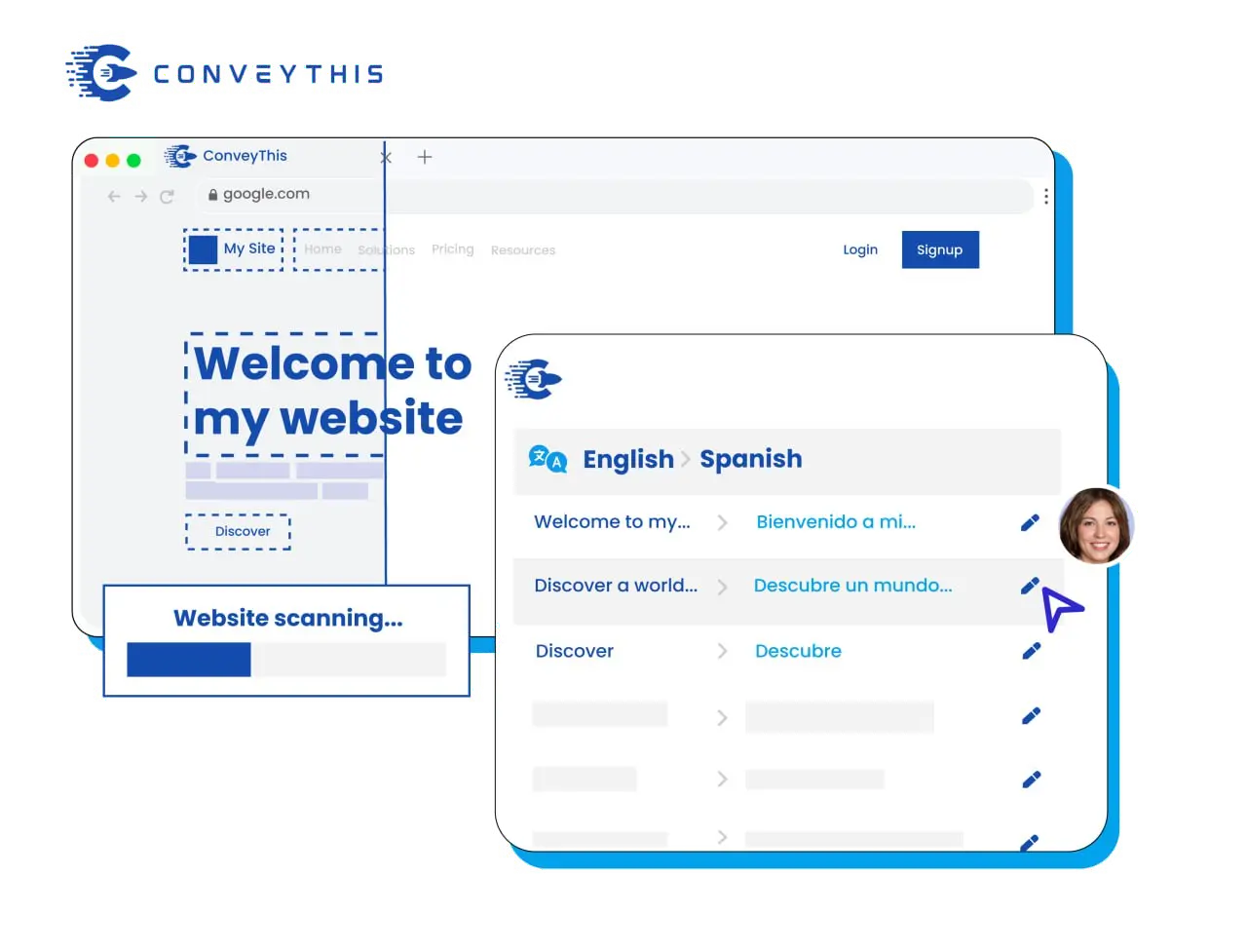
Storefront par ConveyThis, pages de paiement par Shopify
ConveyThis traduit la vitrine : produits, collections, panier, texte du thème et texte ajouté par d'autres applications. Shopify restitue le paiement sur ses propres pages sécurisées et reprend ce libellé des langues que vous ajoutez et publiez dans votre administrateur Shopify. La configuration des deux donne aux acheteurs une seule langue entre la page produit et l'étape de paiement.
Configurez-le une fois pour chaque langue
Ajoutez la langue sous Paramètres → Langues, saisissez le libellé de paiement dans l’onglet Paiement et système de l’éditeur de contenu du thème et publiez. Dès lors, un client qui a parcouru votre boutique en allemand voit également les étapes de livraison, de paiement et de confirmation en allemand.
Shopify URL de langue pour votre boutique
Sous-domaines plutôt que dossiers
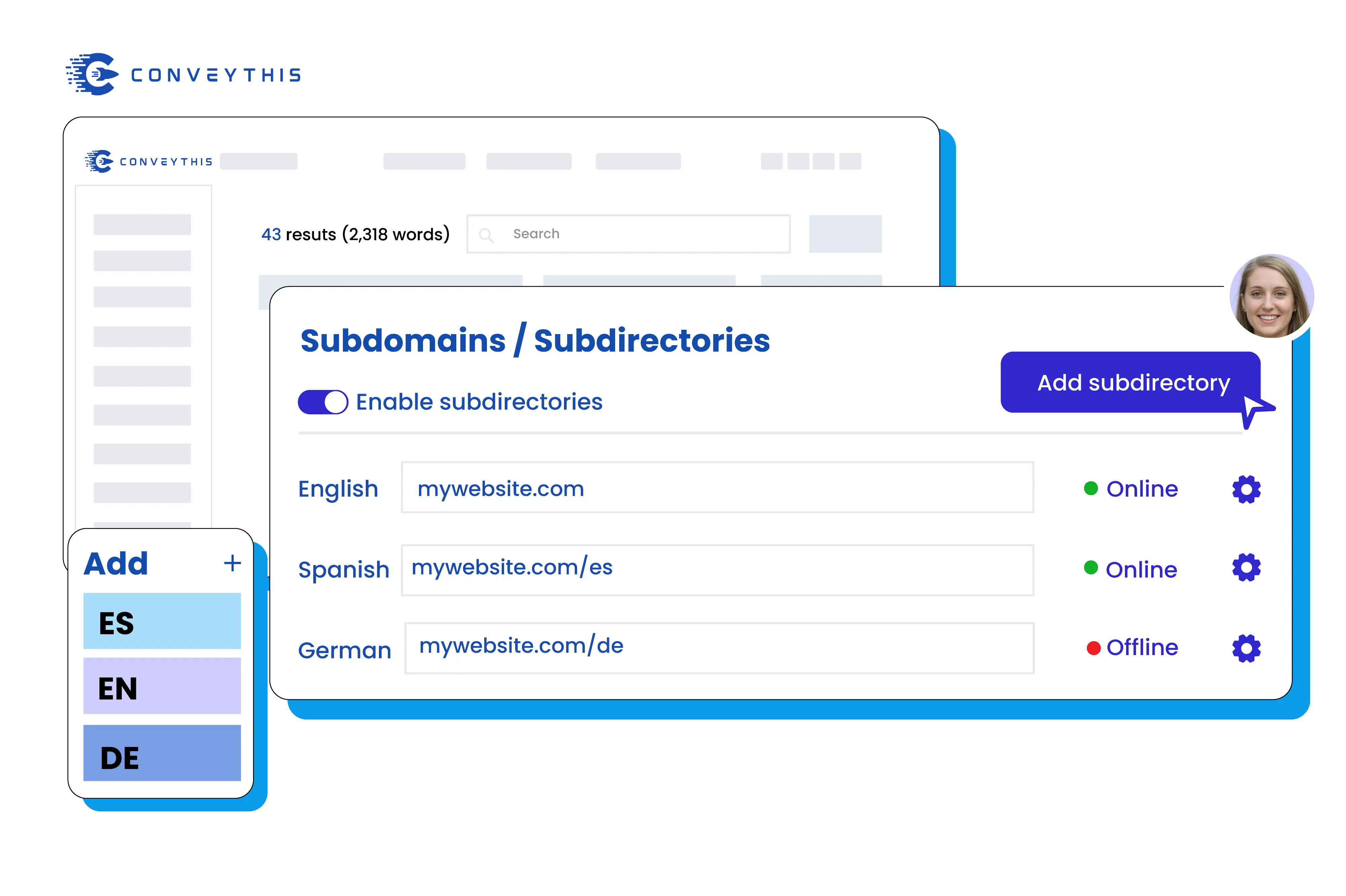
Un magasin Shopify ne peut pas être servi via un proxy basé sur un chemin, donc ConveyThis propose des sous-domaines de langue tels que fr.yourstore.com au lieu des dossiers /fr/ : un enregistrement CNAME par langue, sur le Business plan ou supérieur. Chaque page de boutique traduite reçoit des balises hreflang ainsi qu'un titre traduit et une méta description, tandis que la caisse elle-même reste avec Shopify.
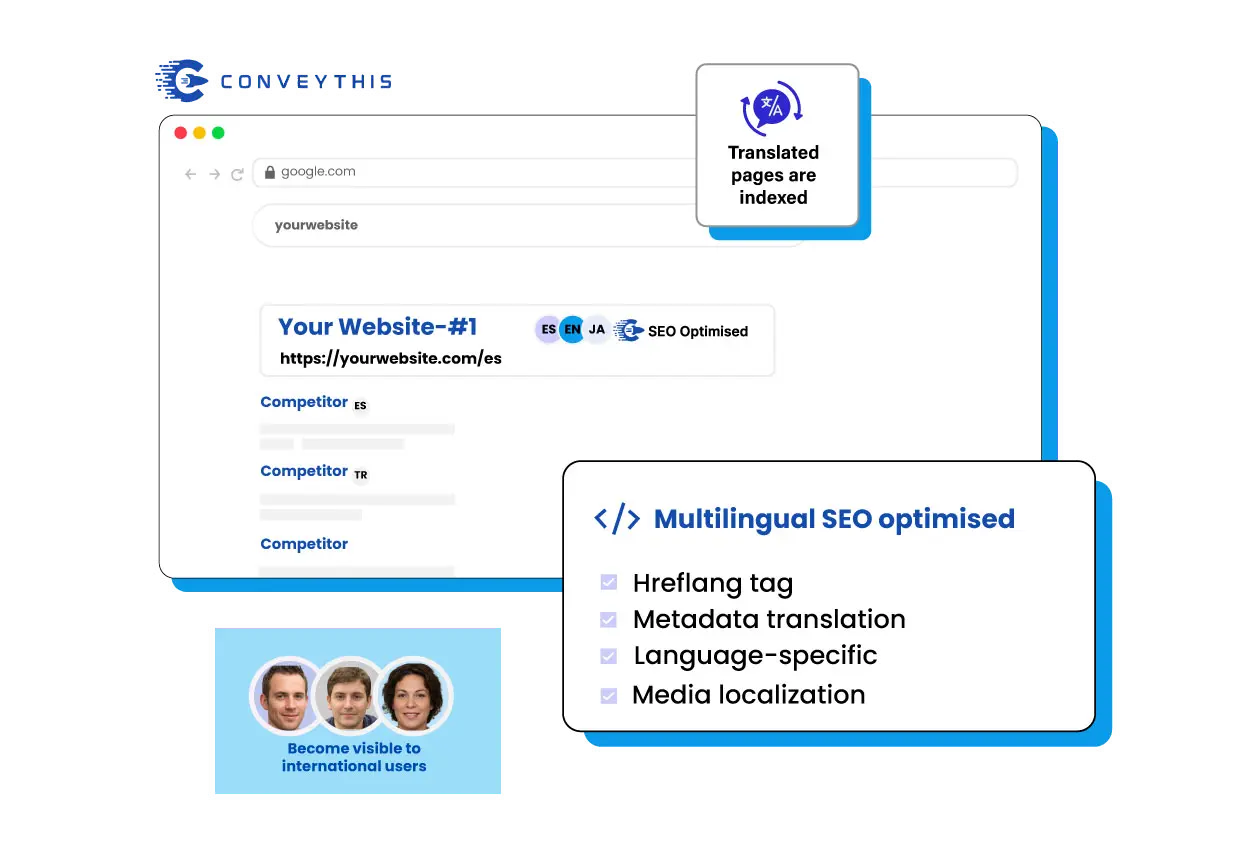
Check-out Formulation que vous contrôlez
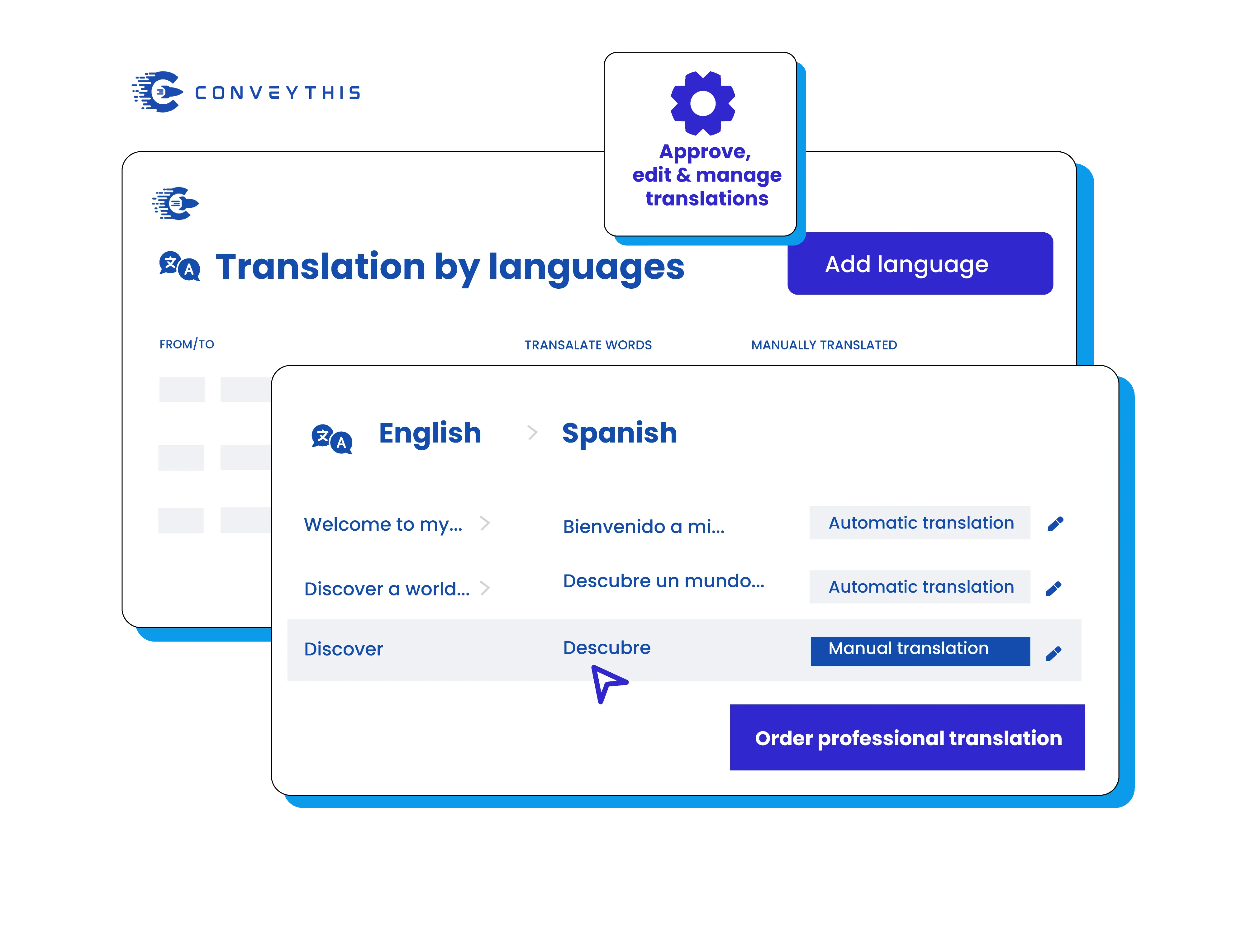
Écraser toute ligne de paiement
Les notes d'expédition, les étiquettes des boutons, les messages d'erreur et les liens de politique sur l'onglet Paiement et système peuvent tous être réécrits par langue, de sorte que la dernière étape de l'achat conserve le ton de vos pages de produits traduites au lieu de revenir à la formulation standard.
Après l'Ordre E-mails dans la langue de l'acheteur
Notifications de commande et d'expédition
Shopify envoie lui-même des e-mails de notification, en dehors de votre boutique. Notre guide de messagerie vous propose un court bloc Liquid pour chaque modèle sous Paramètres → Notifications, afin que la confirmation soit envoyée dans la langue dans laquelle la commande a été passée.
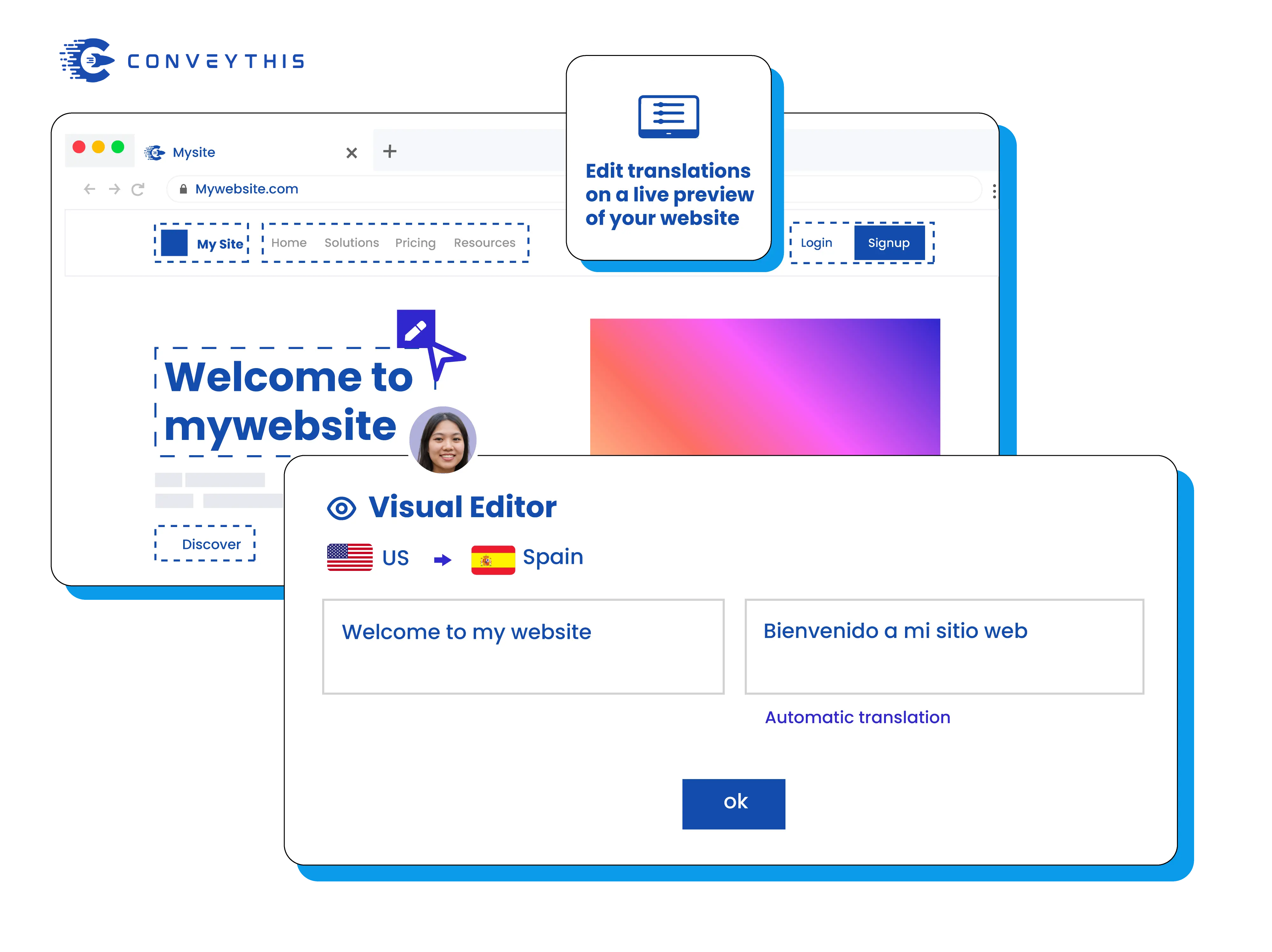
Avant de lancer Testez chaque langue
Une commande de test par langue
Parcourez le panier, chaque étape de paiement, la page de remerciement et l'e-mail de confirmation dans chaque langue que vous publiez. Si un deuxième sélecteur de langue apparaît sur une page, cachez-y le nôtre avec les paramètres d'exclusion afin que les acheteurs n'en voient qu'un seul.
Gérer facilement l'ensemble du parcours d'achat
Devanture de magasin
Traduit automatiquement par l'application ConveyThis, incluant les nouveaux produits au fur et à mesure que vous les ajoutez, et modifiable dans l'éditeur visuel.
Check-out
Servi par Shopify à partir des langues que vous publiez dans Paramètres → Langues, avec une formulation que vous pouvez modifier dans l'onglet Paiement et système.
Notifications
Envoyé dans la langue de la commande une fois que chaque modèle d'e-mail contient le bloc Liquid de notre guide.
Pourquoi choisir ConveyThis pour Shopify Traduire Checkout
Un tableau de bord
Gérez les chaînes, les médias, le référencement et le contenu des applications dans un seul espace de travail.
Glossaire et règles
Verrouillez les termes de marque et les noms de produits pour maintenir la cohérence des traductions.
SEO multilingue
Hreflang automatique, métadonnées localisées et URL propres spécifiques à la langue.
Éditeur visuel
Traduire en contexte — modifier directement sur la page et prévisualiser par locale.
Traduction automatique
Commencez vite avec les traductions automatiques, affinez avec les règles et les souvenirs de la marque.
Structure du site multilingue
Les langages de la vitrine vivent sur des sous-domaines (Shopify n'a pas de dossiers /fr/) ; le paiement suit Shopify.
Redirection automatique des visiteurs
Routez éventuellement les visiteurs vers la langue de leur navigateur pour réduire le rebond.
Apprendre comment commencer
Traduisez le paiement Shopify en quatre étapes.
Configurez la traduction de paiement pour votre boutique Shopify :
Traduisez d'abord la vitrine
Ajoutez les langues dans Shopify
Remplissez le libellé du paiement
Publier et vérifier
Shopify paiement et traduction des e-mails : questions courantes
Pourquoi le paiement a-t-il besoin de sa propre étape de configuration ?
Quelles langues dois-je ajouter dans Shopify ?
Puis-je modifier la formulation d’une étiquette ou d’un bouton de paiement ?
Après avoir ajouté des langues dans Shopify, ma boutique affiche deux commutateurs de langue. Et maintenant ?
Les e-mails d'accueil et de compte peuvent-ils également suivre la langue de l'acheteur ?
customer_tag: true au code ConveyThis dans ConveyThis_switcher.liquid (Boutique en ligne → Thèmes → Modifier le code), et ConveyThis étiquette chaque client avec la langue dans laquelle il s'est inscrit. Un bloc Liquid dans la notification client sélectionne ensuite le texte correspondant. La méthode de commande par e-mail ne couvre pas l'alerte de création de carte-cadeau. Shopify propose également un bouton Localiser dans Paramètres → Notifications via son application Traduire et adapter. Copiez le code depuis notre Guide de notification par e-mail.Vous avez une question différente ?
Contactez notre équipe d'assistance dédiée — nous sommes là pour vous aider, en plusieurs langues