Responsables du programme
Surveillance du programme de localisation
Marchés en retard et dérive du glossaire — pas d'exportations CSV.
“Quelle langue est la plus en retard ?”

Tout ce que votre assistant IA peut vous aider
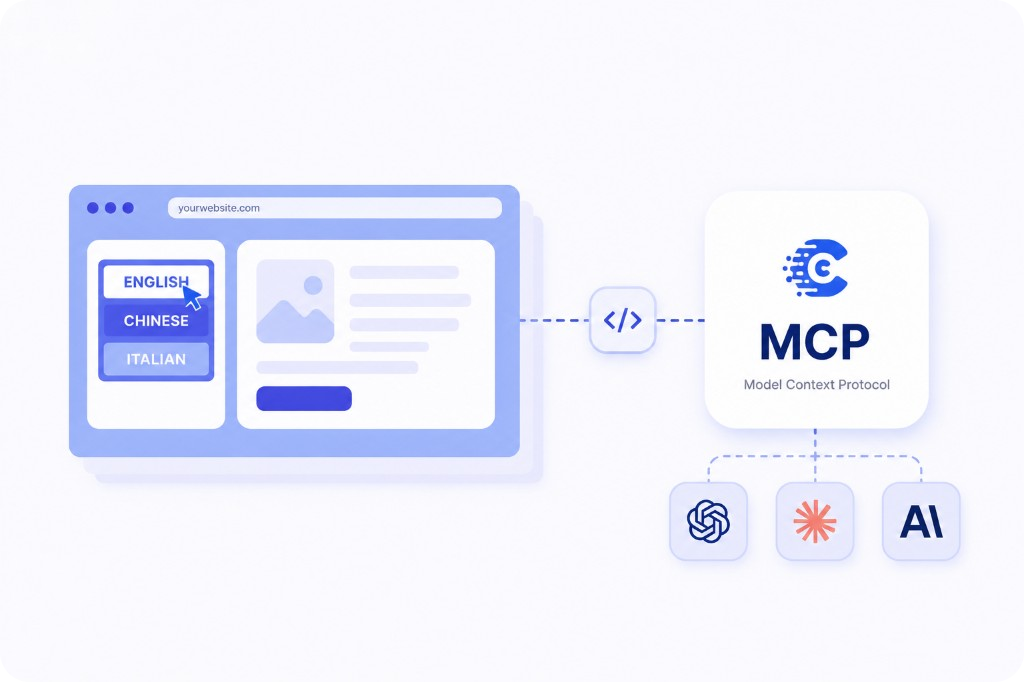
Protocole de contexte du modèle (MCP) est une norme ouverte qui permet à votre Assistant IA extraire des données en direct d'outils externes — au lieu que vous copiez des exportations dans une fenêtre de discussion.
ConveyThis implémente MCP pour les flux de travail de traduction : projets, langues, chaînes, glossaire termes, règles et utilisations — tous accessibles depuis Cursor, Claude Code et VS Code. Voir la guide de configuration ou annonce.
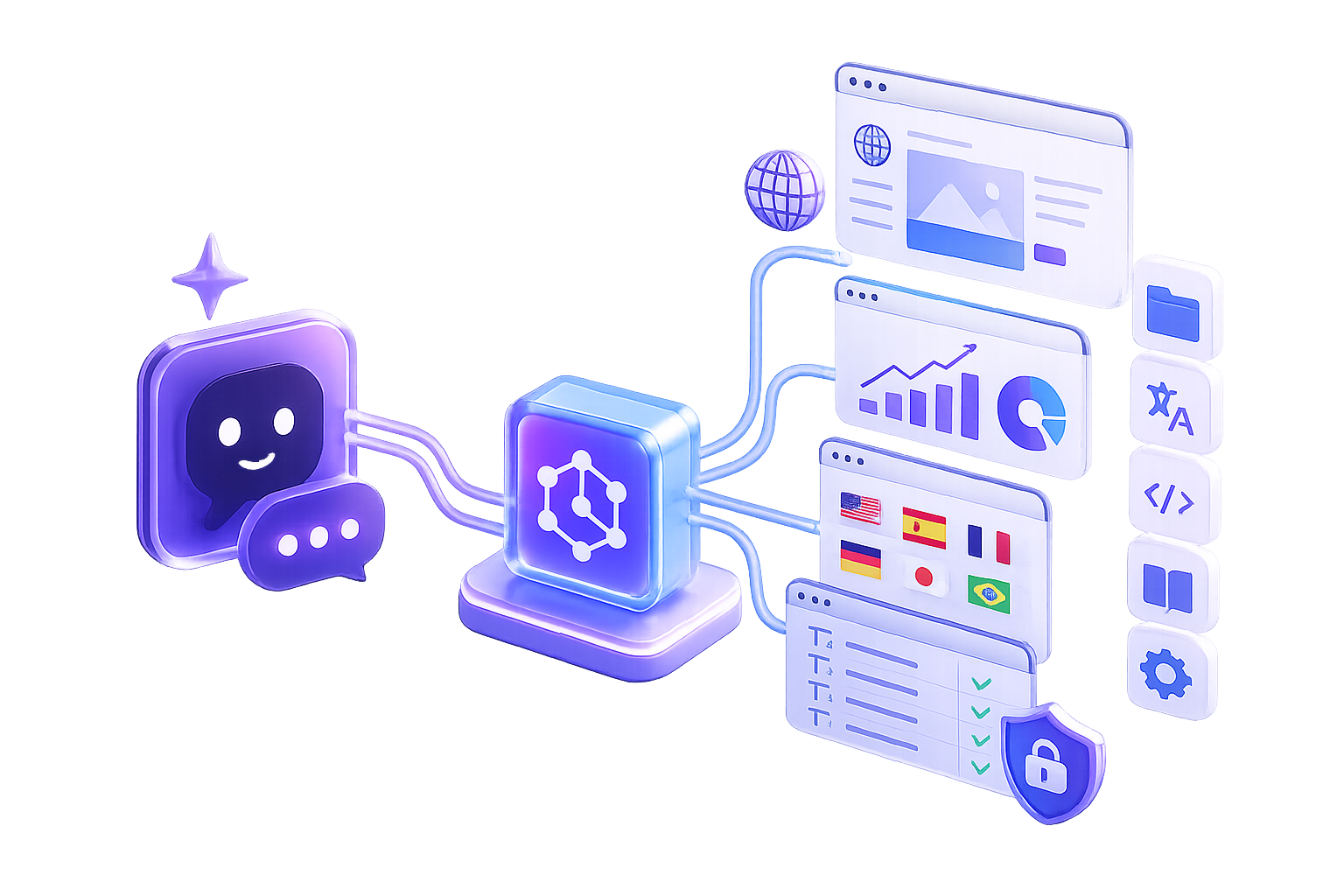
L'exécution de sites multilingues implique des questions constantes — progrès de l'allemand, mises à jour du glossaire, URL non traduites avant le lancement. Vous ne devriez pas avoir à vous connecter et à exporter des données à chaque fois.
ConveyThis MCP apporte ces réponses dans Cursor, Claude Code et VS Code. Mêmes données de production, formatées pour votre Assistant IA — aucun script personnalisé. Inclus dans votre plan; associez-le à WordPress, Shopify, ou à notre API REST lorsque vous avez besoin d'automatisation au moment du déploiement.
Connectez votre Assistant IA à https://mcp.conveythis.com/mcp avec un jeton d'authentification — il renvoie le contexte de traduction en direct afin que vous puissiez demander en langage naturel.
Ouvert MCP / Agents d'IA dans votre tableau de bord. Copiez la clé — affichée une seule fois.
Ajoutez ConveyThis à votre client
Même point de terminaison et jeton d'authentification pour Cursor, Claude Code, VS Code, et plus encore. Configurations par client.
Posez votre première question
“À quelle étape se trouve l'allemand ?” “Quel site est derrière ?” Réponses en direct à partir de vos données de traduction de production.
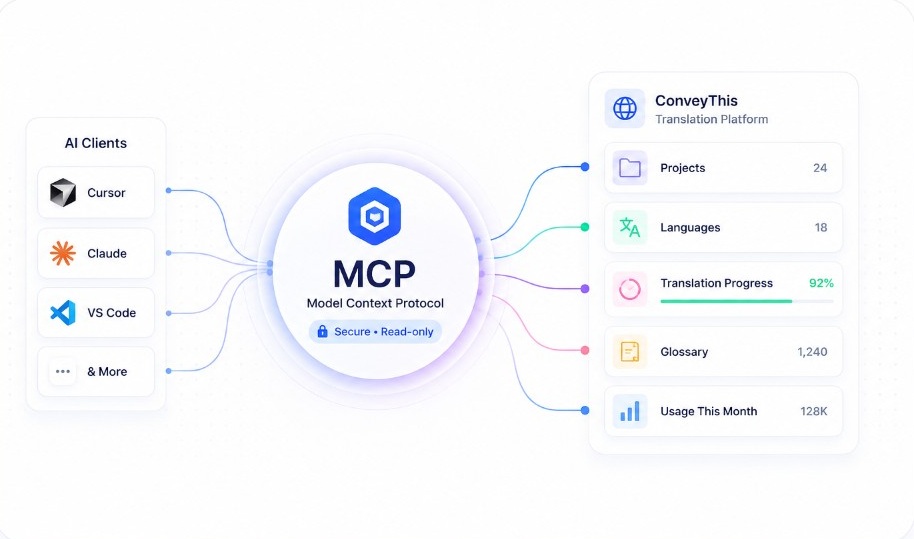
Demandez en langage naturel depuis Cursor, Claude Code ou VS Code — votre Assistant IA renvoie les données en direct de votre compte.
ConveyThis MCP
Réponses en direct dans votre éditeur
Jusqu'où est ma traduction espagnole ?
L'espagnol est à 87 % — 24 pages doivent encore être revues, principalement des variantes de produits.
Quelles traductions sont obsolètes ?
14 pages françaises modifiées après la dernière mise à jour — principalement des descriptions de produits de cette semaine.
Retrouvez chaque page où nous avons traduit « checkout ».
12 URL dans /cart, /checkout et 3 modèles de collection.
Quel est notre terme allemand approuvé pour « tableau de bord » ?
Règle du glossaire : “Tableau de bord” → “Übersicht” (terme verrouillé, utilisé sur 8 pages).
Quelles pages ont des traductions manquantes ?
Il manque /pricing, /about et 3 pages de collection en espagnol ajoutées après votre dernière synchronisation Shopify.
Combien de mots ai-je utilisés ce mois-ci ?
128 400 mots — 72 % de votre allocation de régime.
Réponses illustratives — votre compte renvoie des données de production en direct.
Les clés en lecture seule permettent à votre Assistant IA lire les projets, les chaînes, les termes du glossaire et l'utilisation — mais jamais publier de pages, modifier la copie en direct ou changer la facturation. Les clés utilisent HTTPS et peuvent être révoquées instantanément.
Émettez une clé par coéquipier, faites pivoter lorsque quelqu'un part et conservez les opérations d'écriture dans l'application ConveyThis ou API REST. Des questions ? Centre d'aide.
Fonctionne avec n'importe quel client MCP prenant en charge les jetons HTTP et porteurs Streamable.
Mêmes données, deux interfaces : MCP pour les vérifications conversationnelles dans votre IDE ; API REST pour l'automatisation scriptée au moment du déploiement.
| Aspect | API REST | MCP Serveur Outils d'IA |
|---|---|---|
| Comment vous interagissez | Écrire des requêtes HTTP, analyser JSON, créer des scripts | Demandez en langage clair — votre assistant IA gère le reste |
| Contexte des LLM | Récupérez et collez vous-même des données dans le chat | Contexte de traduction en direct extrait automatiquement |
| Modèle de sécurité | Cela dépend des portées clés que vous configurez | Clés de requête uniquement — pas d'accès à la publication ou à la facturation |
| Expérience de développeur | Idéal pour les pipelines CI et l'automatisation de la production | Idéal pour les vérifications ad hoc et les questions-réponses sur la localisation dans l'IDE |
| Courbe d'apprentissage | Nécessite des documents et du code API | Configuration du copier-coller dans Cursor, Claude Code ou VS Code |
MCP compléments édition visuelle et référencement multilingue — il ne les remplace pas.
À qui c'est destiné
Même configuration MCP — équipes différentes, questions différentes.
Marchés en retard et dérive du glossaire — pas d'exportations CSV.
“Quelle langue est la plus en retard ?”
Détectez les itinéraires non traduits avant la publication et vérifiez la couverture du glossaire à partir de l'IDE.
“Y a-t-il des traductions manquantes sur /pricing ?”
Comparez WordPress, Shopify et les sites personnalisés à partir d'un compte ConveyThis.
“Quel site client est le moins traduit ?”
Restez en sécurité
Une clé par personne
Émettre des clés distinctes par coéquipier ou environnement. Révoquez instantanément lorsque quelqu'un part.
Commencez étroit
Les questions de progression et de glossaire reviennent plus rapidement que les invites générales “scannez tout”.
Outil adapté au travail
API REST pour déployer des pipelines. MCP pour les contrôles de localisation ad hoc dans votre éditeur.
Alimenter le glossaire
Les termes de marque verrouillés dans votre glossaire ConveyThis s'écoulent directement dans les réponses de l'IA.
Pourquoi ConveyThis
ConveyThis alimente les sites multilingues sur WordPress, Shopifyet propriétés d'entreprise dans le monde entier — spécialement conçus pour les données de traduction, pas un plugin de chatbot générique.
MCP donne votre Assistant IA une fenêtre sécurisée sur les règles de glossaire, l'état du projet et les chaînes de production — sur la même infrastructure derrière des millions de pages vues traduites.
200+
langues prises en charge
Requête uniquement
clés par défaut
Production
infrastructure de traduction
Inclus avec votre forfait. Moins d'une minute pour se connecter.
Un service backend qui parle le Model Context Protocol — un moyen standard pour les assistants IA de découvrir des outils et de lire des données structurées. Le serveur ConveyThis MCP expose vos projets, votre glossaire, votre progression et votre utilisation afin que Claude Code, Cursor, VS Code et d'autres clients puissent répondre aux questions en langage clair.
Model Context Protocol (MCP) est une norme ouverte permettant de connecter des assistants d'IA à des données externes. Au lieu de copier les exportations dans une fenêtre de discussion, votre assistant appelle le serveur ConveyThis via HTTP et obtient un contexte de traduction en direct.
Un serveur MCP basé uniquement sur des requêtes, conçu pour la gestion des traductions. Votre assistant IA peut lire les projets, la progression, les chaînes, les termes du glossaire, les règles et l'utilisation — à l'aide d'une clé API personnelle que vous créez sous MCP / AI Agents.
Claude Code enregistre le point de terminaison ConveyThis dans sa configuration MCP. Lorsque vous posez des questions sur les progrès ou les termes du glossaire, Claude appelle le serveur et compose une réponse à partir de données en direct. Consultez notre guide de connexion pour la configuration copier-coller.
Oui. Le curseur prend en charge HTTP MCP Streamable avec authentification par jeton porteur. Ajoutez le serveur ConveyThis à vos paramètres, collez votre clé et posez des questions sur les traductions directement dans l'IDE.
Oui. Extensions VS Code qui implémentent MCP —, y compris Cline — connectez-vous à https://mcp.conveythis.com/mcp avec votre jeton porteur. Un point de terminaison fonctionne sur Cursor, Claude Code, VS Code et l'inspecteur MCP.
Tout client prenant en charge les connecteurs distants MCP peut utiliser le même point de terminaison ConveyThis et le même jeton porteur. OAuth en un clic pour ChatGPT est sur notre feuille de route.
Oui. Les agents peuvent lire les données de traduction mais ne peuvent pas publier, modifier, supprimer ou modifier la facturation. Révoquez instantanément une clé sous MCP / AI Agents lorsque vous faites pivoter les informations d'identification.
Les clés sont uniquement accessibles par requête, transmises via HTTPS et révocables à tout moment. Émettez des clés distinctes par développeur pour faciliter l'audit.
Une API REST nécessite des points de terminaison, des paramètres et des scripts. MCP permet à votre assistant IA de transformer des questions en langage clair en bons appels — idéal pour les contrôles de localisation ad hoc sans écrire de code.
Ouvrez MCP / AI Agents dans ConveyThis, créez une clé (affichée une fois) et collez-la dans votre client sous forme de jeton porteur. Consultez le guide de connexion pour connaître les étapes par client.
Tout client avec HTTP Streamable MCP et jetons porteurs — y compris Claude Code, Cursor, VS Code, MCP Inspector, Cline et Windsurf. Même point de terminaison et même clé entre les outils.
Non. Collez un bloc de configuration, posez une question en anglais et obtenez une réponse. Les développeurs bénéficient d'une intégration IDE plus étroite ; les responsables de localisation bénéficient d'une progression en langage clair et de recherches dans le glossaire.
Non. L'accès MCP est inclus avec votre forfait ConveyThis sans frais supplémentaires.
https://mcp.conveythis.com/mcp — connectez-vous via HTTP Streamable avec votre clé en tant qu'en-tête Authorization: Bearer.