Drupal Complemento de traducción
Integrating ConveyThis into your site is fast and easy, and Drupal is no exception. In just a few minutes you’ll learn just how to install ConveyThis to Drupaland start giving it the multilingual functionality you need.
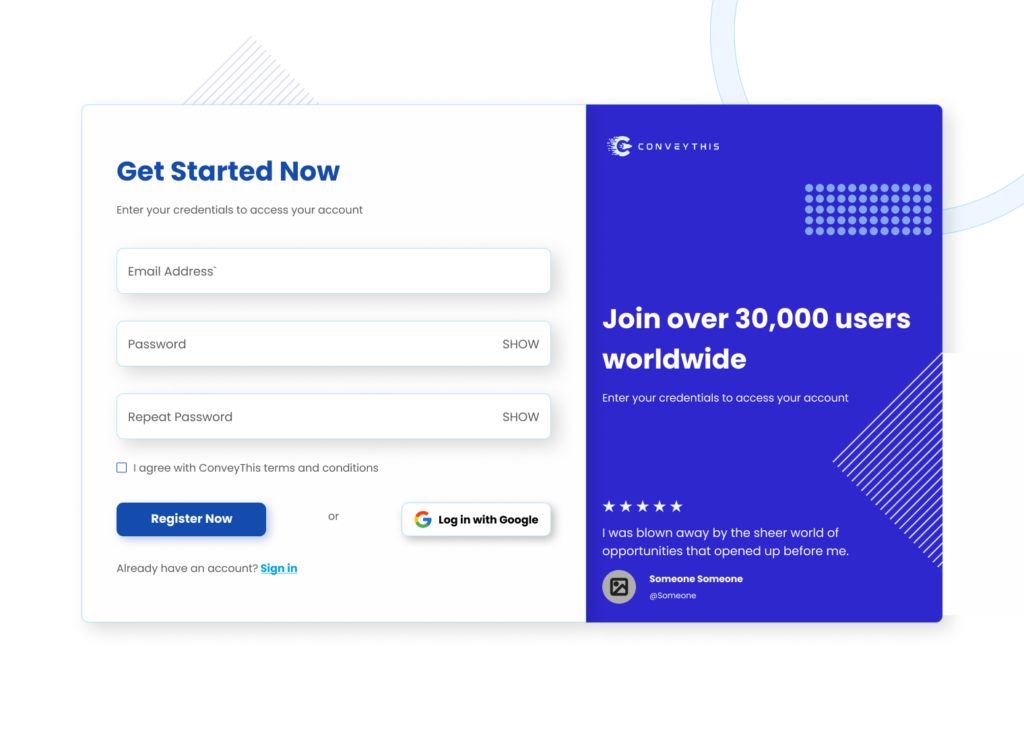
1) Crea una cuenta ConveyThis
Para comenzar, el panel de control de su cuenta ConveyThis le permite ver y administrar todas sus traducciones. Simplemente cree una cuenta ConveyThis aquí.
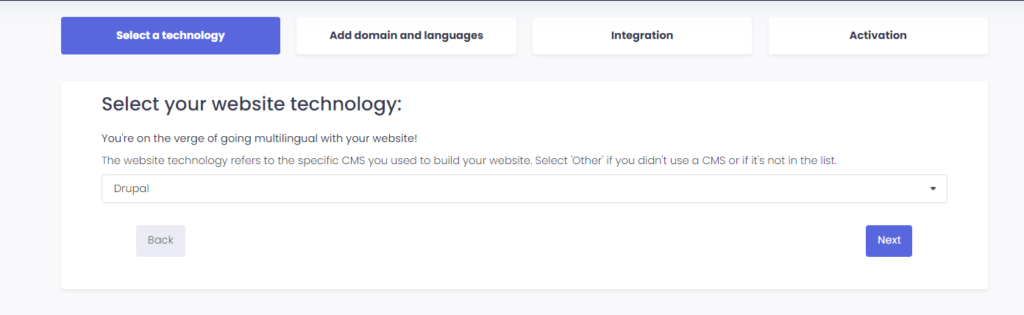
2) Seleccione su complemento a través de ConveyThis
La tecnología del sitio web se refiere al CMS específico que utilizó para crear su sitio web, en este caso es Drupal.
Haga clic en “Siguiente” para continuar con el siguiente paso.
Después de hacer clic en “Siguiente”, ingrese su nombre de dominio e indique el idioma(s) al que desea traducir su sitio web.
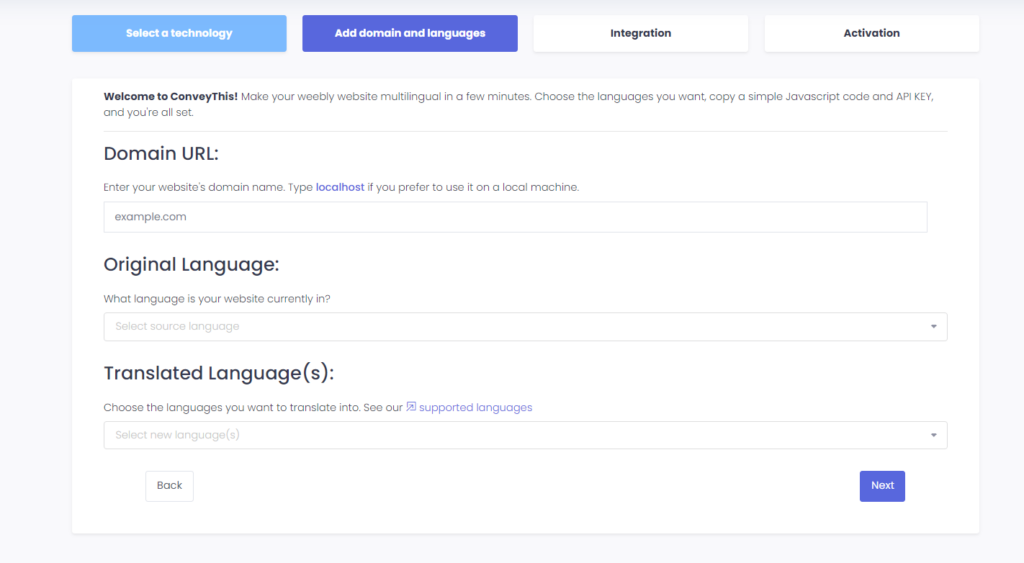
Haga clic en “Siguiente” para ir al siguiente paso.
3) Instale el complemento ConveyThis
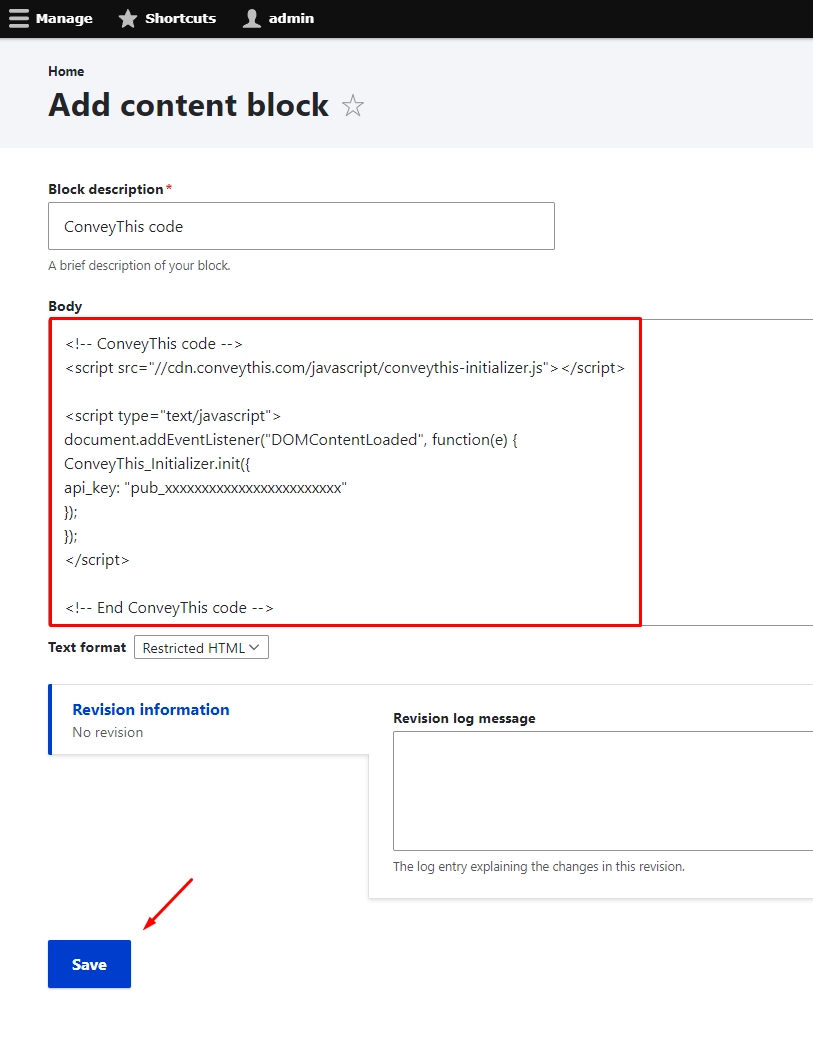
Copy the code snippet from your ConveyThis setup process.
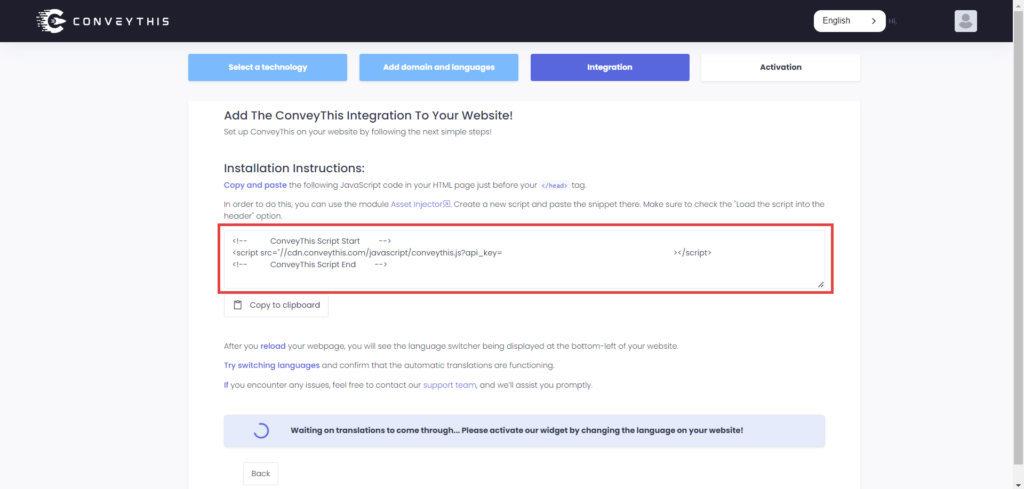
You can use the module Asset Injector to add the ConveyThis snippet to your Drupal website’s header. Create a new script and paste the snippet there. Make sure to check the “Load the script into the header” option.
4) ¡Ya terminaste!
Eso es todo. Vaya a su sitio web y vea el botón de cambio de idioma en la parte inferior derecha. Puede que tarde unos minutos en aparecer, así que no te preocupes si debes esperar un poco.
Intente cambiar el idioma cuando aparezca el selector de idioma–y, como por arte de magia, ¡su sitio web es multilingüe! Ahora puedes ir a tu panel ConveyThis para administrar todas tus traducciones.
¡Felicitaciones, ahora puedes comenzar a traducir tu sitio web!