
¿Cómo cambio mi tarjeta o dirección de facturación?
You can change the card you pay with and the billing address on your invoices yourself, from the Billing page of your ConveyThis dashboard.
How do I open the Billing page?
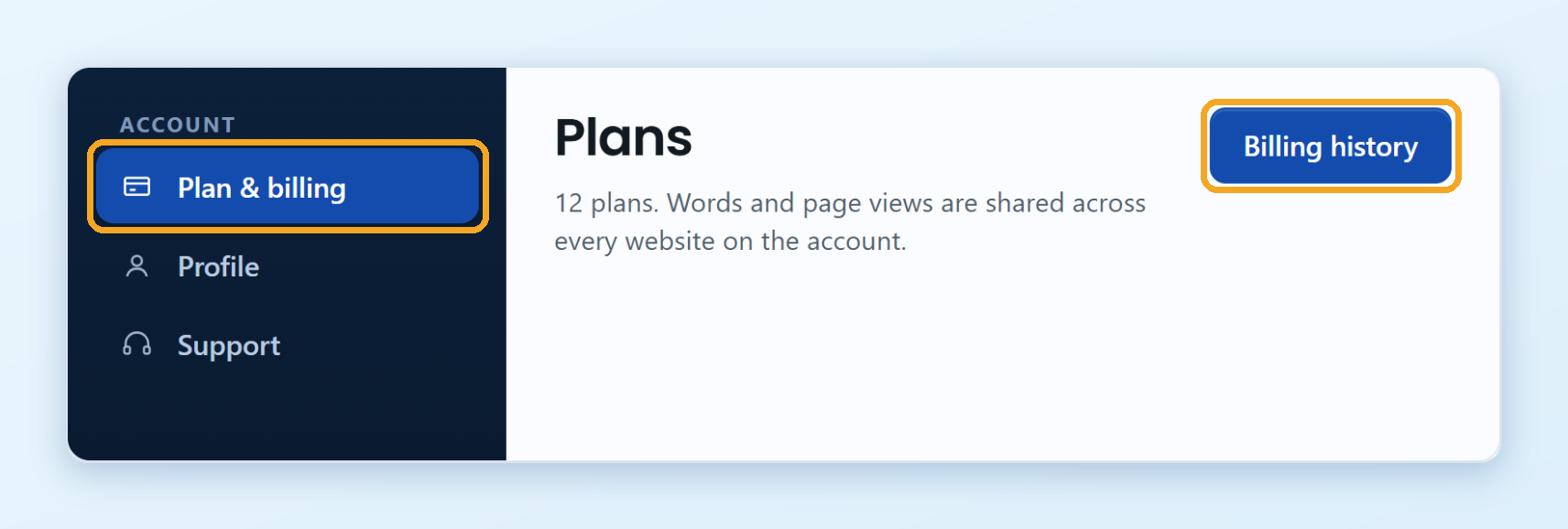
- Inicie sesión en su ConveyThis panel de control y haga clic Plan y facturación en el menú de la izquierda.
- Haga clic Historial de facturación en la parte superior de la página.
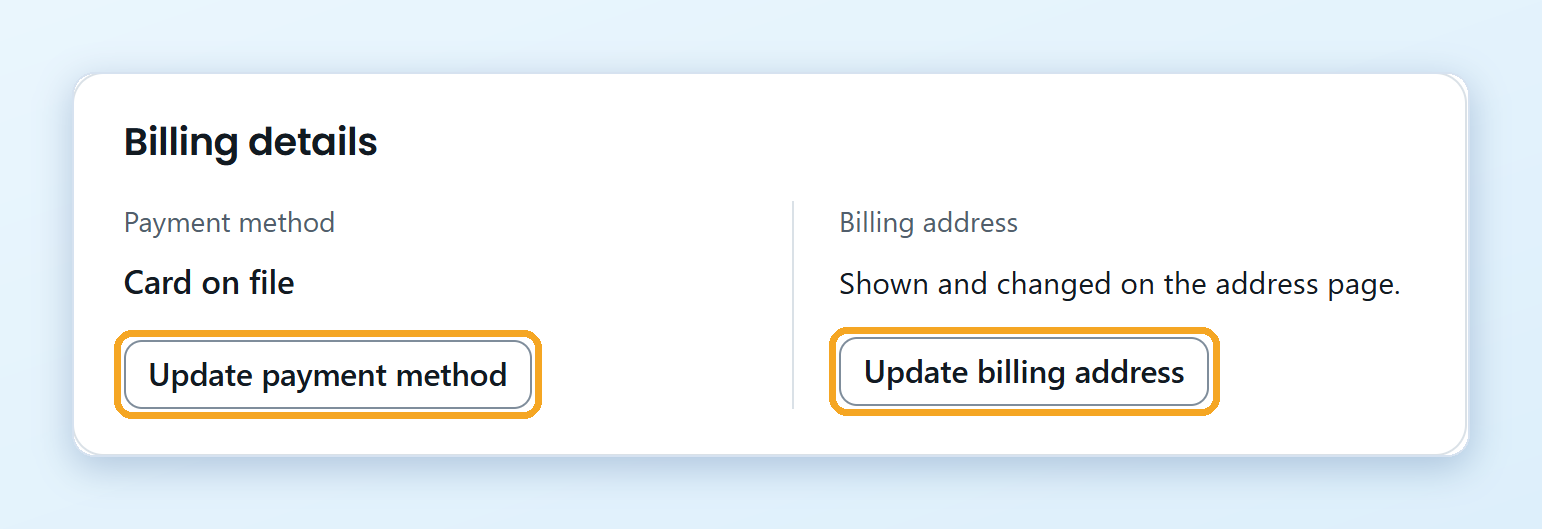
Your payment details are in the Detalles de facturación section.
¿Cómo cambio mi tarjeta?
Haga clic Update payment method. A secure Stripe page opens where you can enter your new card. When you are done, go back to the Billing page.
Your next payment is taken from the new card.
How do I change the billing address on my invoices?
Haga clic Actualizar dirección de facturación. A secure Stripe page opens where you can change the name and address shown on your invoices.
The new details appear on your future invoices. Invoices that were already issued don’t change.
I pay through Paddle. Where do I change my details?
If your subscription was set up through Paddle, our payment partner, your card and address are kept by Paddle. In Detalles de facturación, haga clic Manage subscription to update them on the Paddle page.
Pago a través de Shopify o Wix
The ConveyThis app in Shopify or Wix is billed by the platform, together with your store or site subscription. Change your payment details in your Shopify or Wix account.
Where can I download my invoices?
On the same page, the Invoices & payments list shows every payment. Click Receipt next to a payment to open or download it.