
How do I change an image or PDF in a translated version?
You can replace an image, a video or a linked file (such as a PDF) in one language, and keep the original everywhere else. You do it in two steps: turn on the option, then replace the file.
Step 1. Turn on the option for the type of file
- Go to Domains in your ConveyThis dashboard, open the Settings menu on your website and choose Settings.
- Expand Advanced.
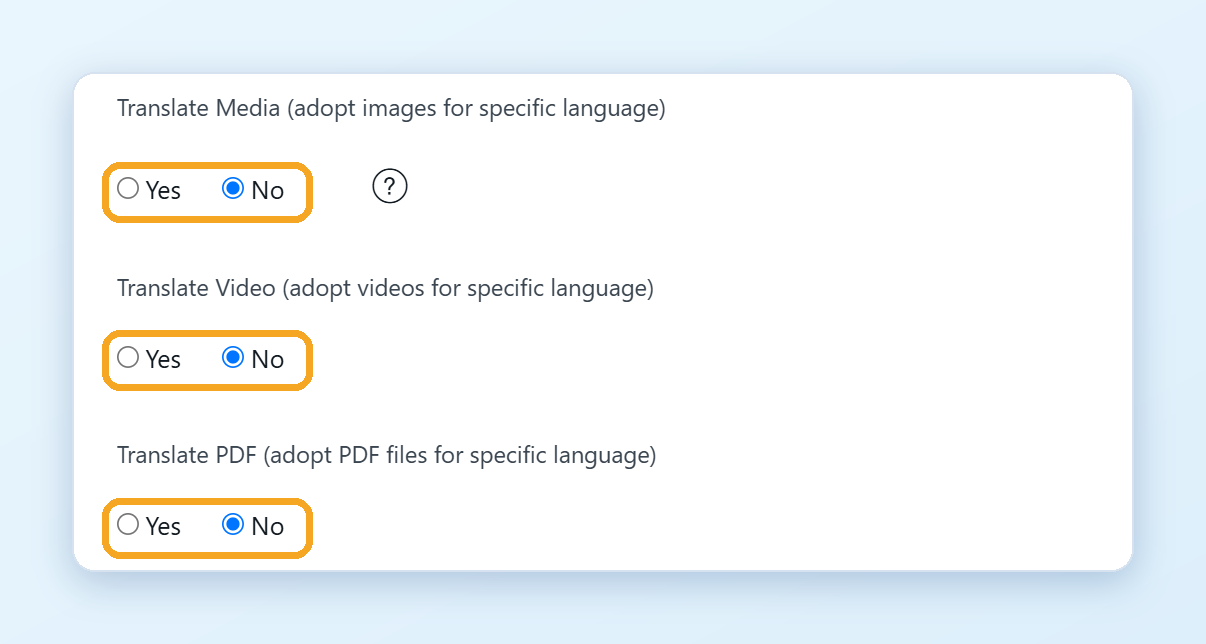
- Set the option for what you want to replace to Yes:
- Translate Media (adopt images for specific language) for images
- Translate Video (adopt videos for specific language) for videos
- Translate PDF (adopt PDF files for specific language) for PDF and Office files
Your changes are saved automatically.
Step 2. Replace the file
Images and videos, in the Visual Editor:
- Click Edit Translations in the left menu, choose your website and open the Visual Editor on the page.
- Switch to the language you want to change.
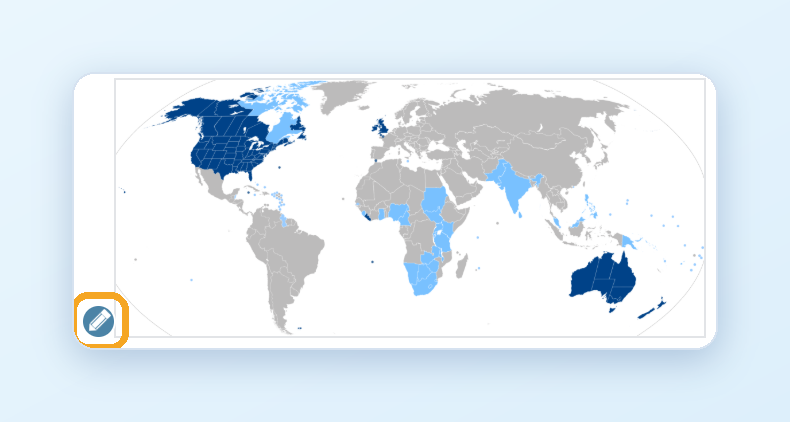
- Hover over the image or video and click the pencil icon.
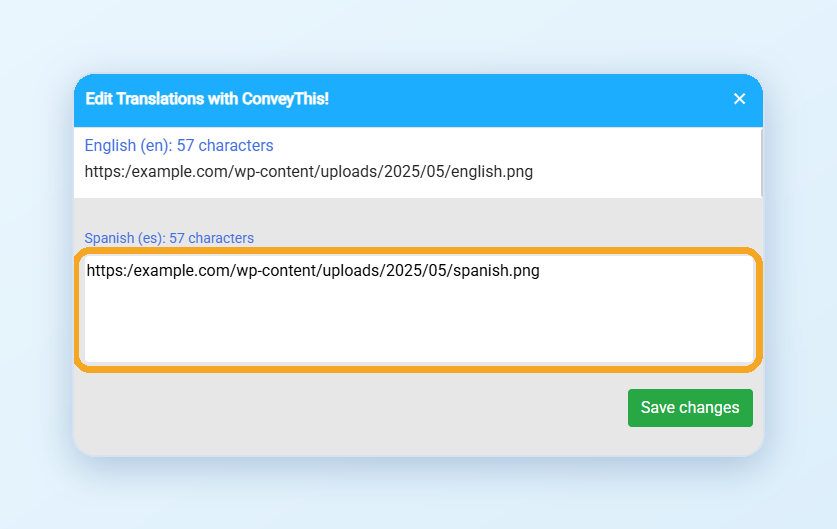
- Paste the link to the new file and save.
PDF and Office files, in the Text Editor:
- Open the page once in the translated language, so that ConveyThis picks up the file link.
- Click Edit Translations, choose your website and click Text Editor on the page.
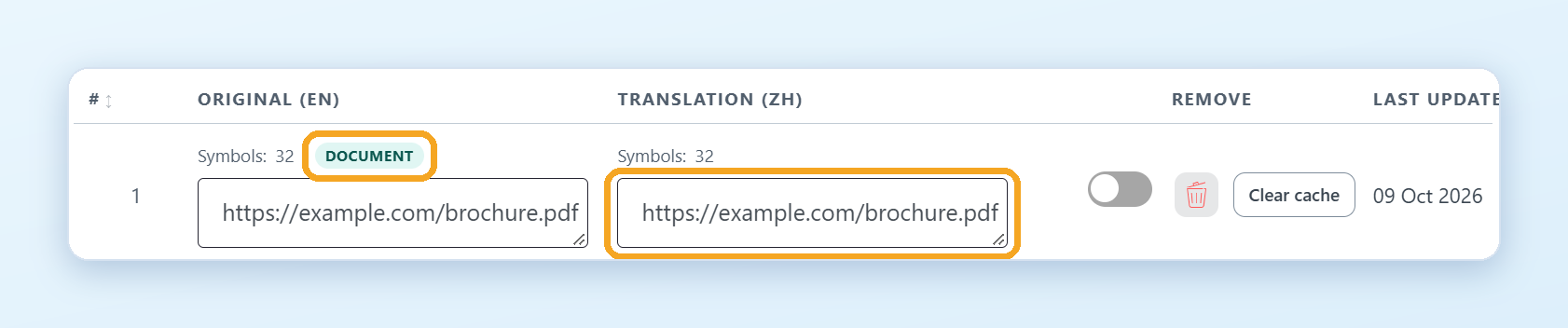
- Find the row marked DOCUMENT and replace the translation with the link to the translated file. The change is saved when you leave the field.
Open the translated page to check it.
Good to know
- Upload the new file to your website first, for example to its media library. You can paste any link.
- ConveyThis doesn’t change the content of your files. It only shows the file you chose for each language.
See also How do I show different images and videos in each language? and How do I show a different PDF in each language?