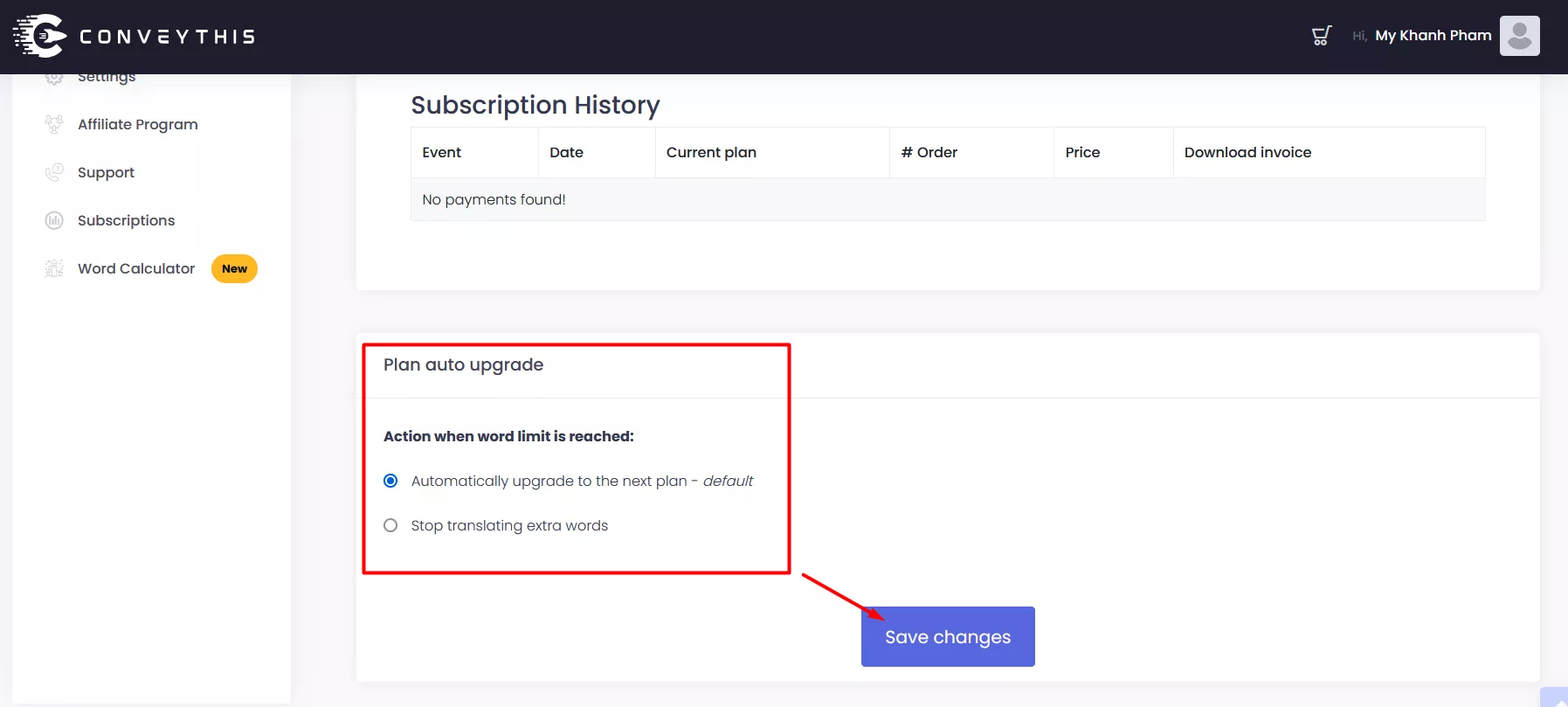
What does the term “auto-upgrade” refer to?
This article explains what auto-upgrade does, when it applies, and how to turn it on or off.
What auto-upgrade does
When your site passes the words in your plan, new pages and text stay in the original language until you upgrade. Everything already translated keeps working. Paid plans keep translating up to 10 % past their words first.
If you chose auto-upgrade (at checkout, or in Billing):
- We email you the next plan, its exact price for your billing cycle and currency, and the date of the change, 14 days ahead. Reminders follow 7 and 2 days before.
- Keep my plan in that email (one click, no sign-in) cancels the change. Upgrade now in Billing moves you up straight away.
- If you do nothing, your plan moves up on the announced date. Nothing is charged that day; the new price starts at your next renewal. You get an email confirming the change.
Auto-upgrade works with monthly card subscriptions billed through Paddle or Stripe. It is not available for PayPal, Shopify, Wix or AppSumo billing, or for yearly plans: there, we email you when you pass your limit and you choose when to upgrade.
If auto-upgrade is off, nothing is charged: new text waits until you choose a bigger plan.
Where can I manage the auto-upgrade feature?
You can view and manage your auto-upgrade settings directly from the Billing section of your ConveyThis dashboard.
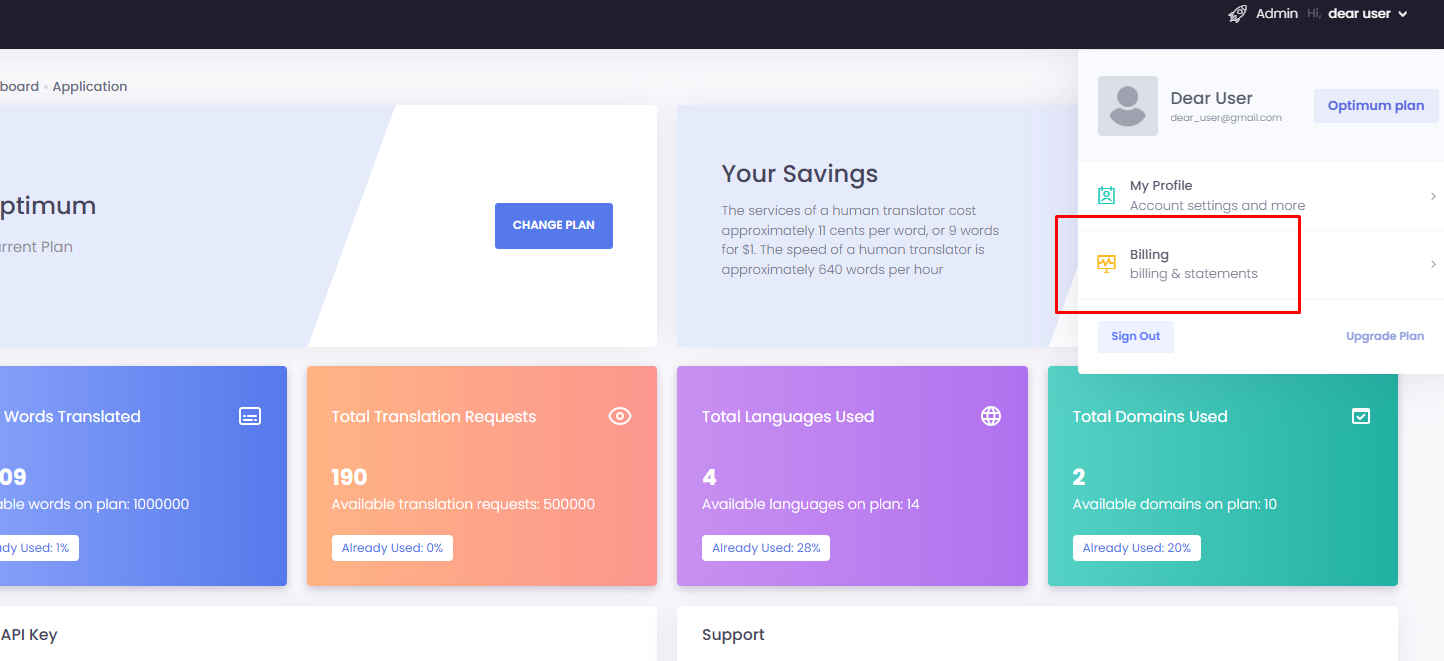
There, you’ll be able to:
- See whether auto-upgrade is on or off, and any change that is scheduled
- Turn it on or off at any time, or keep your plan when a change is scheduled