
How do I delete my ConveyThis account?
You can close your ConveyThis account yourself from your Profile. This is called deactivating the account. You have 30 days to change your mind. After that, the account and its translations are deleted.
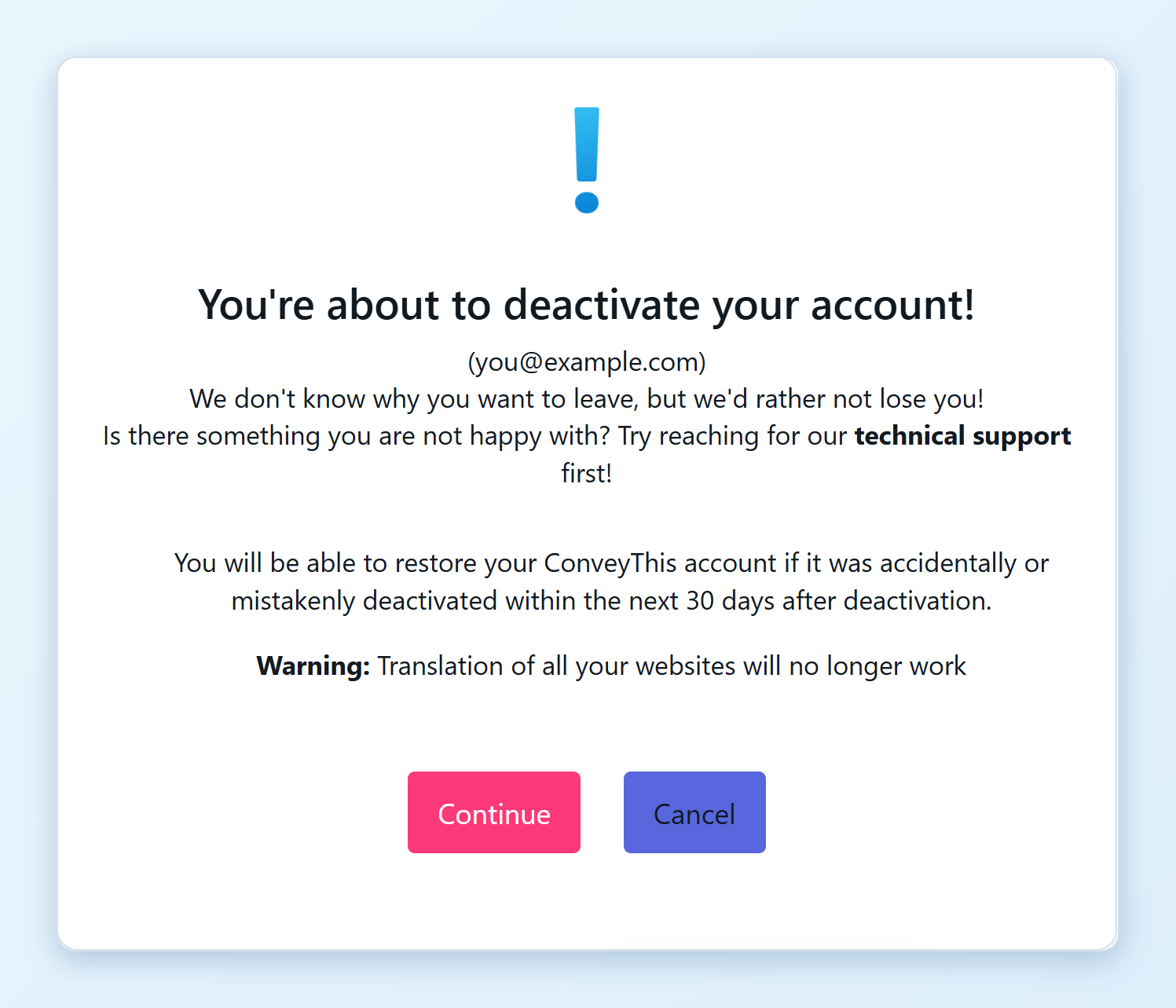
Before you start: once the account is deactivated, translation stops on all your websites. Visitors see your site only in its original language, and translated pages drop out of search results over time.
How do I deactivate my account?
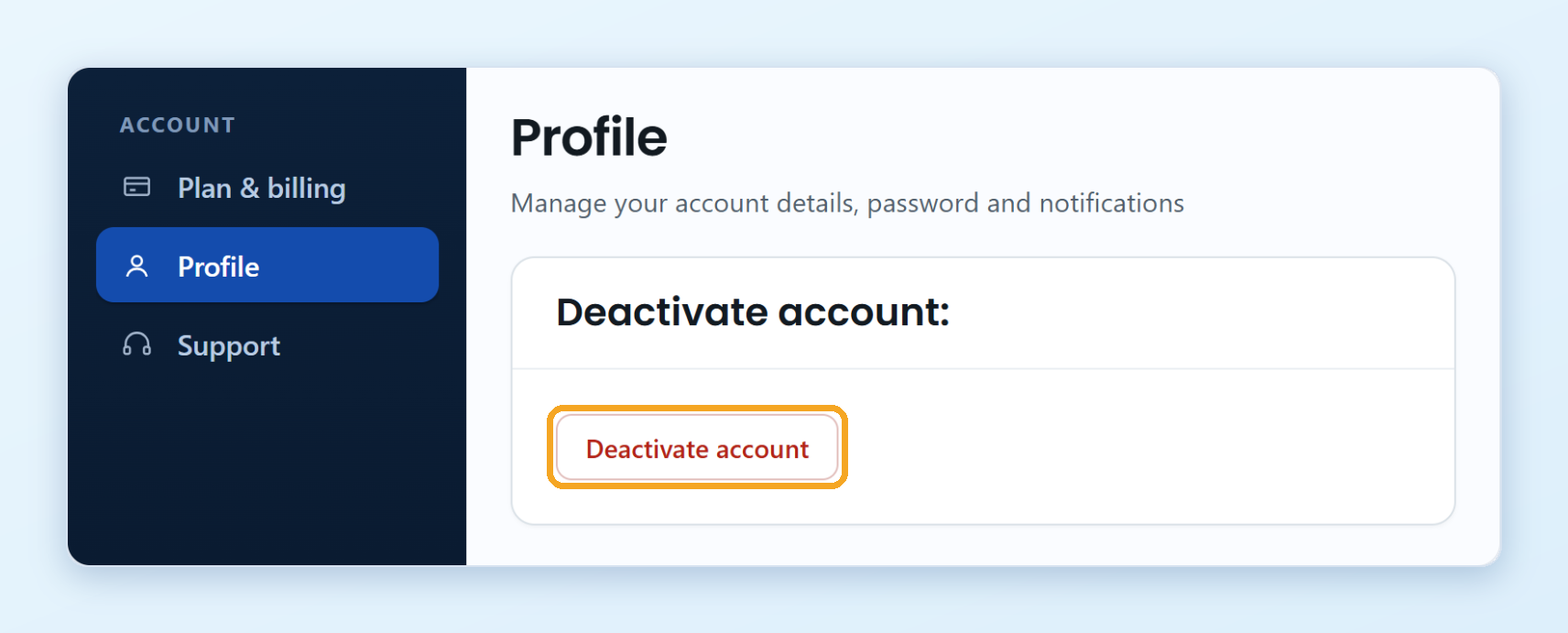
Log in to your ConveyThis dashboard and click Profile in the left menu.
At the bottom of the page, click Deactivate account.
Read the warning and click Continue.
Tell us in a few words why you’re leaving, then click Deactivate my account.
Enter your password and click Confirm.
You’re signed out right away, and we send you an email to confirm that the account is deactivated.
If you signed up with Google and never set a password, the last step asks you to set one first. Use Forgot Password? to create it, then come back and deactivate.
What happens to my subscription?
Deactivating cancels your paid subscription, so you won’t be charged again.
If you pay through the Shopify or Wix app, the subscription is billed by Shopify or Wix. Cancel it there too, for example by uninstalling the ConveyThis app from your store.
Can I get my account back?
Yes, within 30 days. Sign in again with the same email and password, and your account comes back with its websites and translations.
After 30 days, the account and its translations are deleted for good.
Can I delete my account sooner?
Yes. Write to [email protected] from the email address of your account and ask us to delete it.