
Can I use ConveyThis on several websites?
Yes. You can translate several websites from one ConveyThis account. How many depends on your plan.
How many websites can I add?
| Plan | Websites |
|---|---|
| Free, Starter, Business, Business+ | 1 |
| Pro | 3 |
| Pro+ | 5 |
| Optimum | 10 |
| Corporate | 15 |
| Corporate+ | 20 |
| Advanced | 25 |
| Advanced+ | 30 |
| Extreme | 50 |
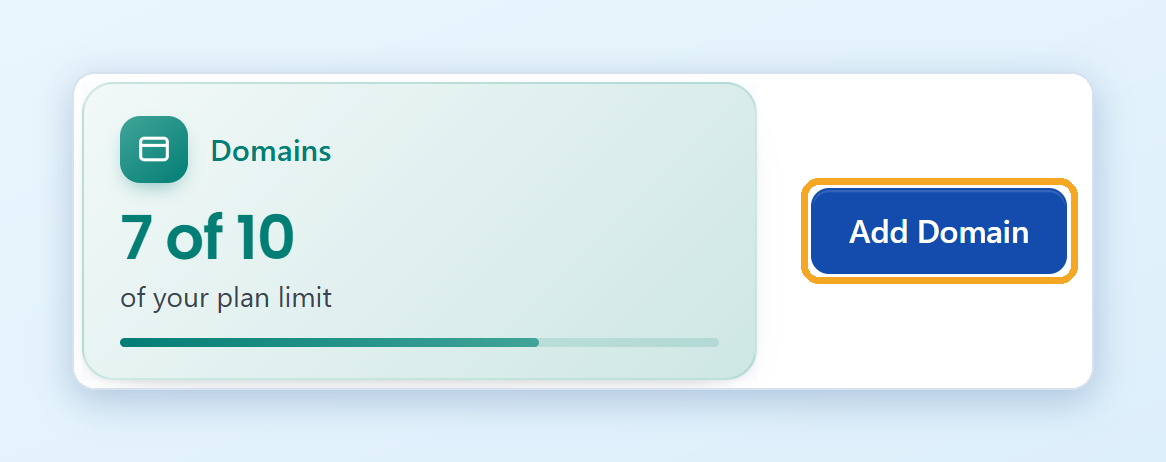
For more websites, see the Enterprise page. You can see how many websites you use on the Domains card of your Dashboard. Compare all plans on the pricing page.
How are words and languages counted with several websites?
The limits of your plan are shared by all your websites:
- Words and page views are counted for all websites together.
- The languages of all your websites count toward your plan’s language limit.
Each website still has its own settings: its own languages, translations, glossary and exclusions.
How do I add another website?
Log in to your ConveyThis dashboard at app.conveythis.com. Use the same email and password as for your first website. If you installed ConveyThis as a plugin or app (for example in WordPress or Shopify), this is the account you connected it to.
Click Domains in the left menu, or open the Domains page directly.
Click Add Domain and enter the address of your new website.
Add ConveyThis to the new website the same way as the first one: install the plugin or app for its platform, or paste the JavaScript code.
When your plan’s website limit is reached, upgrade to a bigger plan to add more. See How do I upgrade my ConveyThis plan?