我们能帮你什么吗?
气泡翻译插件
将 ConveyThis 集成到您的网站既快捷又简单,Bubble 也不例外。只需几分钟,您就会了解如何将 ConveyThis 安装到 Bubble,并开始为其提供所需的多语言功能。
1) 创建 ConveyThis 帐户
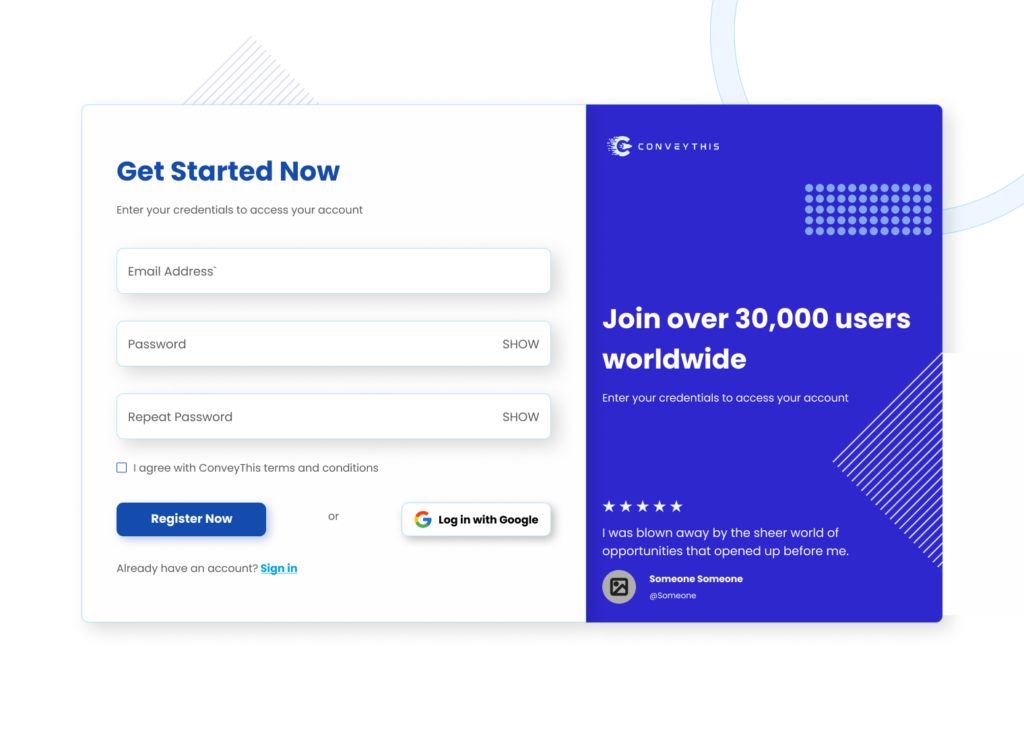
首先,您的 ConveyThis 帐户信息中心可让您查看和管理所有翻译。只需在此处创建一个 ConveyThis 帐户即可。
2) 通过 ConveyThis 选择您的插件
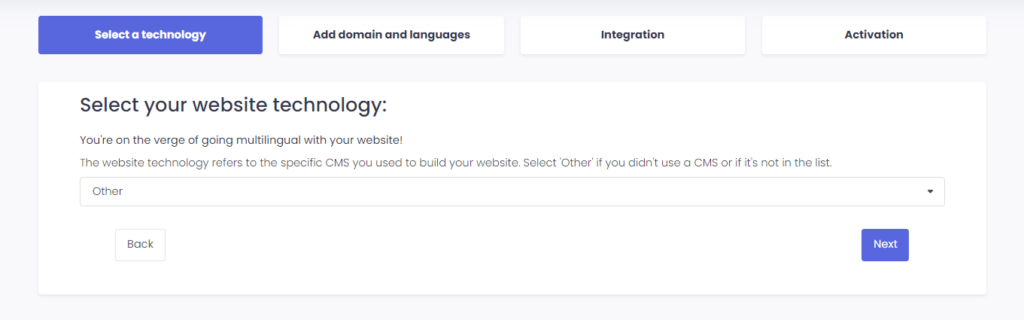
网站技术是指您用来构建网站的特定 CMS,在本例中是 Bubble。
单击“下一步”继续下一步。
单击“下一步”后,输入您的域名并指明您想要将网站翻译成的语言。
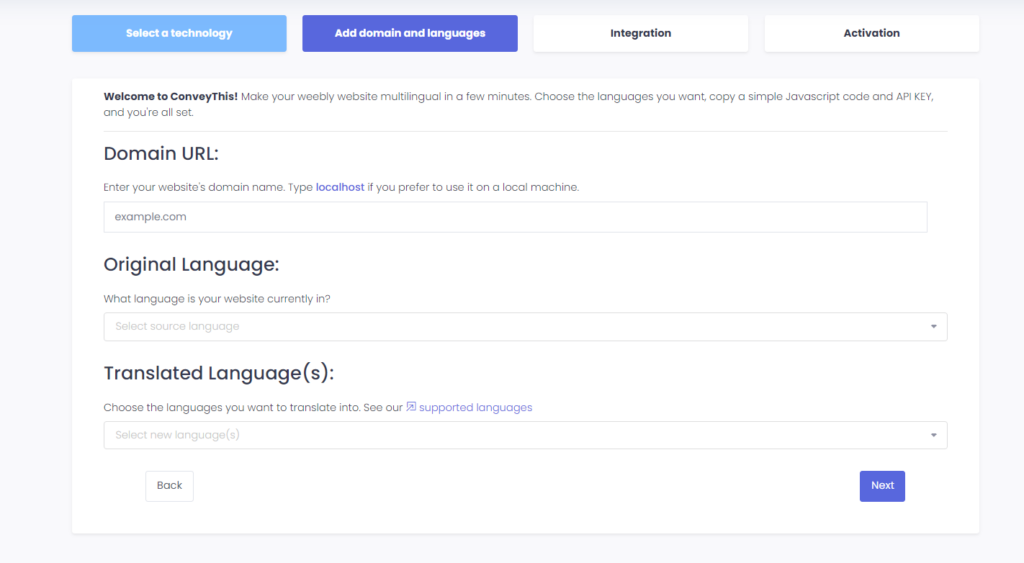
单击“Next”进入下一步。
3) 安装 ConveyThis 插件
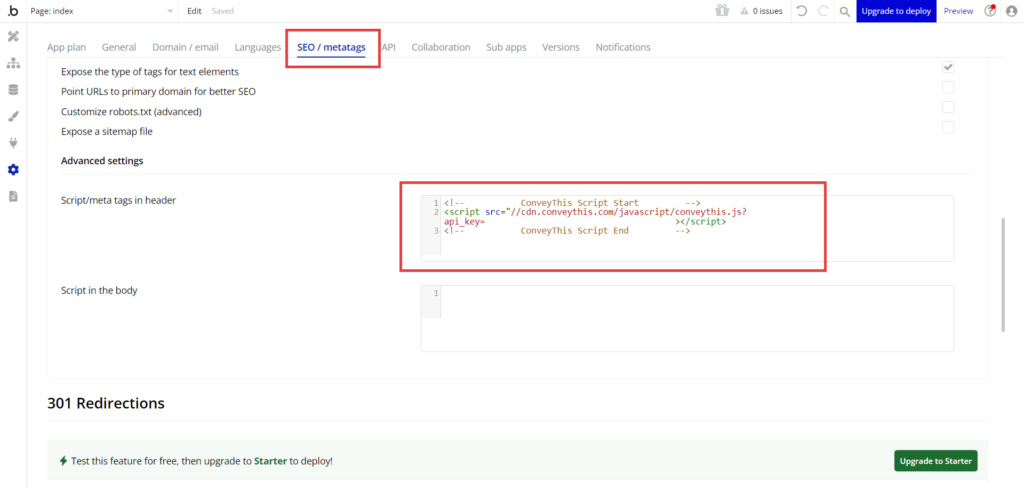
登录 Bubble 仪表板并导航至设置 > SEO / 元标记。将 ConveyThis 中的 JavaScript 代码粘贴到标题字段中的脚本/元标记中。
4)您已全部完成!
就是这样。转到您的网站并查看右下角的语言切换按钮。它可能需要几分钟才能出现,所以如果您必须等待一会儿,请不要担心。
当语言切换器出现时尝试更改语言——就像变魔术一样,您的网站是多语言的!您现在可以转到 ConveyThis 信息中心来管理所有翻译。
恭喜,您现在可以开始翻译您的网站了!